In which Wildbook did the issue occur?
Amphibian and Reptile
What operating system were you using? (eg. MacOS 10.15.3)
Windows 11 Business
What web browser were you using? (eg. Chrome 79)
Microsoft Edge for Business (Version 152.0.4191.53 (Offizielles Build) (64-Bit))
What is your role on the site? (researcher, org admin, etc.)
researcher
What happened?
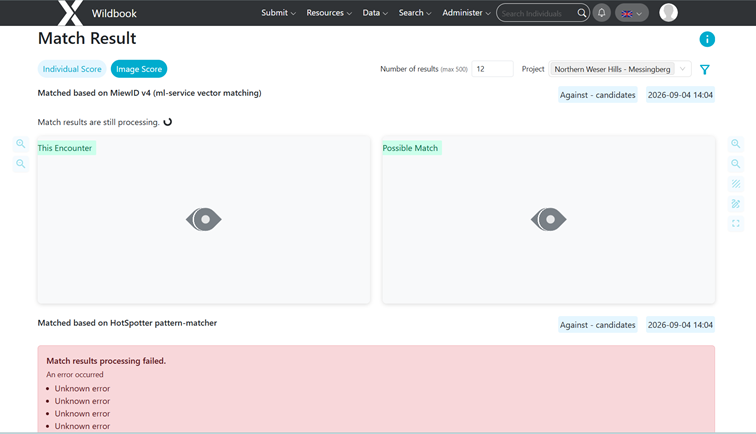
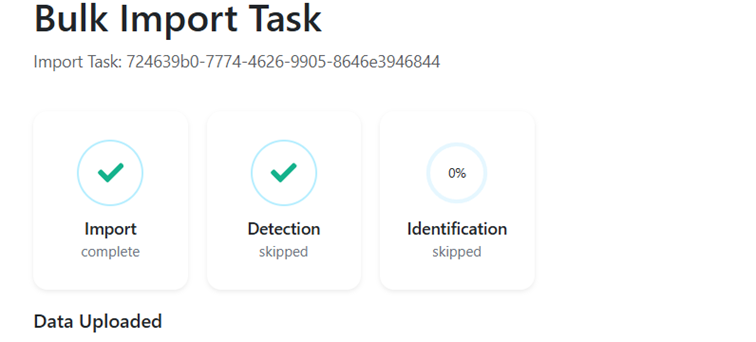
I uploaded three bulk imports. I did not skip detection or identification. The import worked for all bulk imports. I added the new photos to their respective projects.
Among others the spreadsheet included the following columns: ‘Encounter.genus’ (‘Bombina’) and ‘Encounter.specificEpithet’ (‘variegata’) so wildbook should have the information of the species.
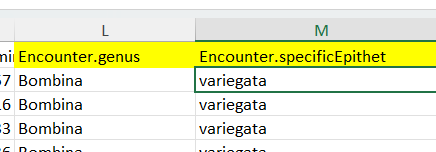
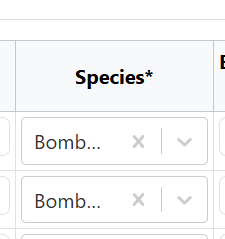
There were no errors or missing fields in the spreadsheet, and the species was filled in correctly on the ‘Check the spreadsheet’ webpage: Bombina variegata.
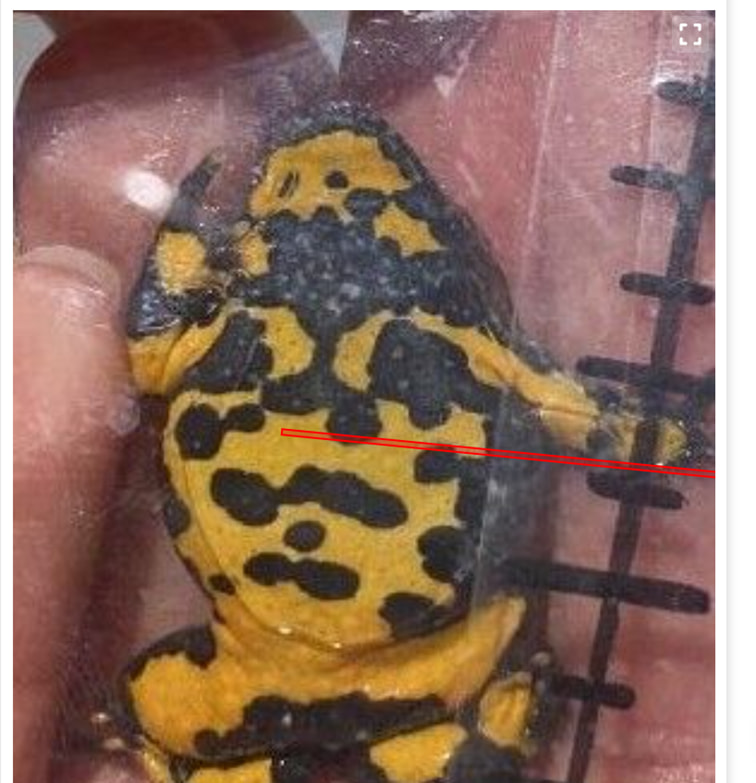
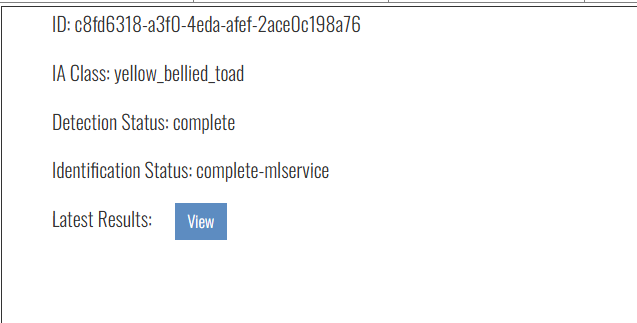
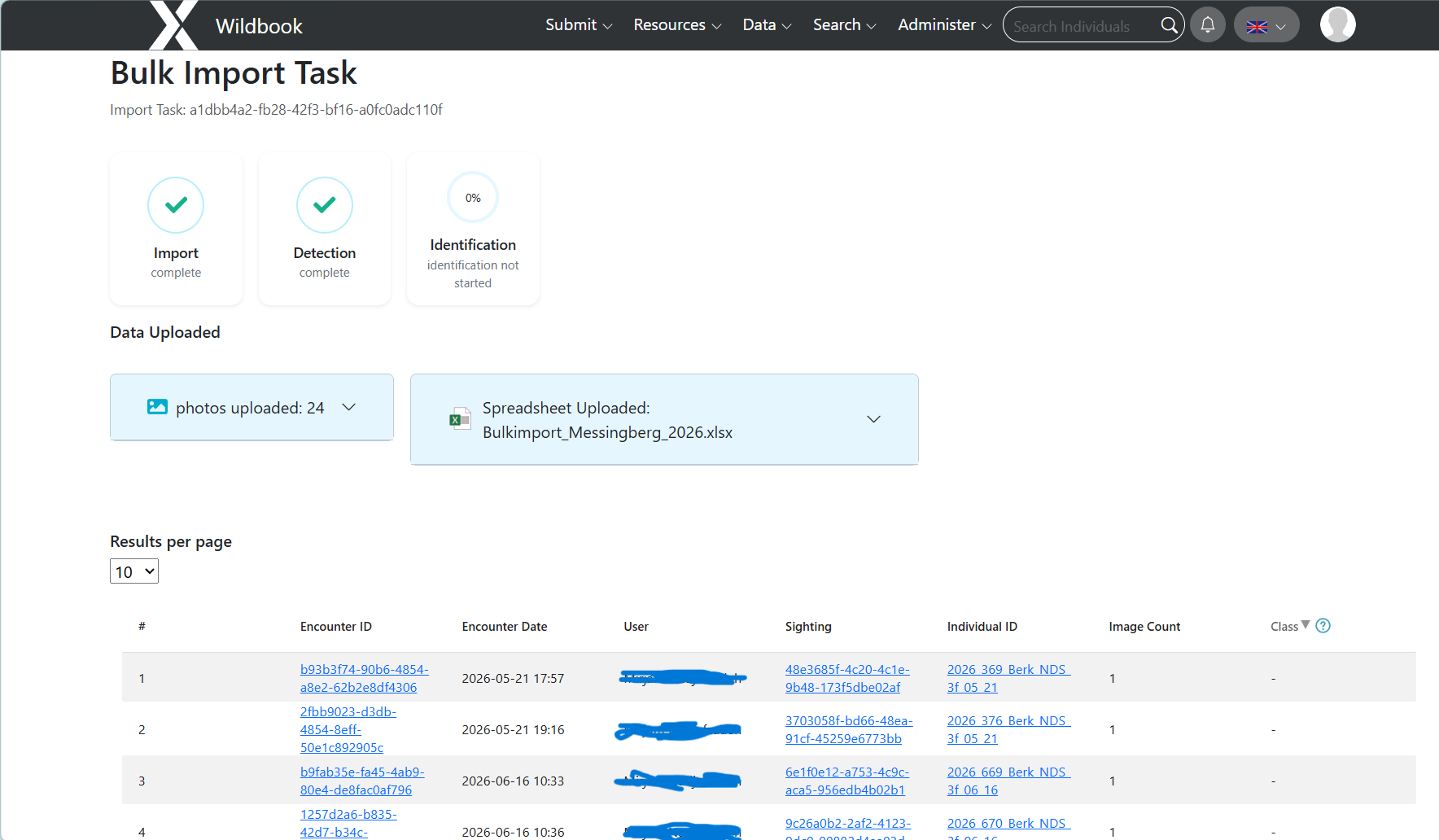
On the bulk import progress webpage, ‘detection’ was marked as complete, but no ‘class’ had been added to the photos. This problem occurred with all three bulk imports.
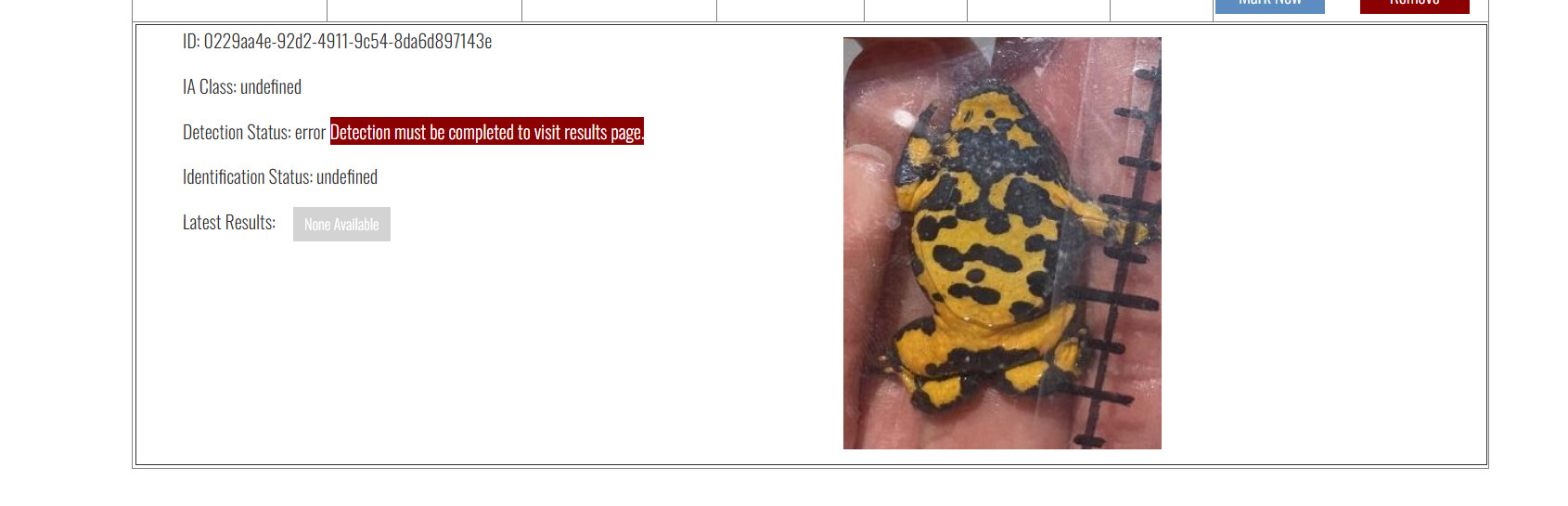
Furthermore, when viewing the new photos on the project webpage, the detection status was ‘error’. No annotation had been added to the photos.
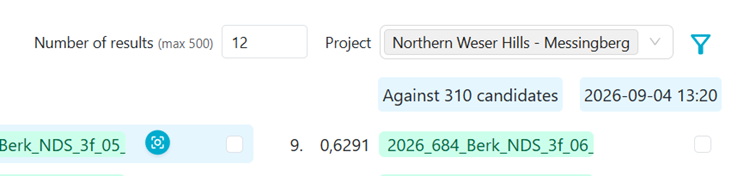
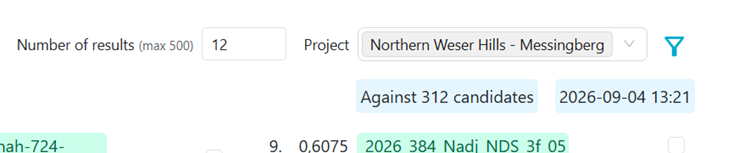
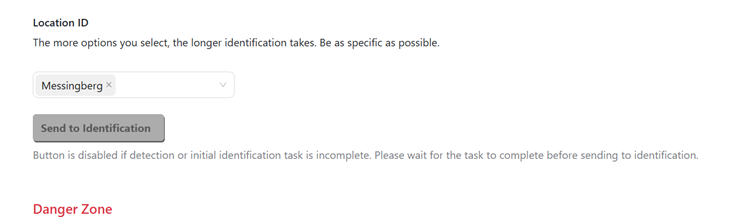
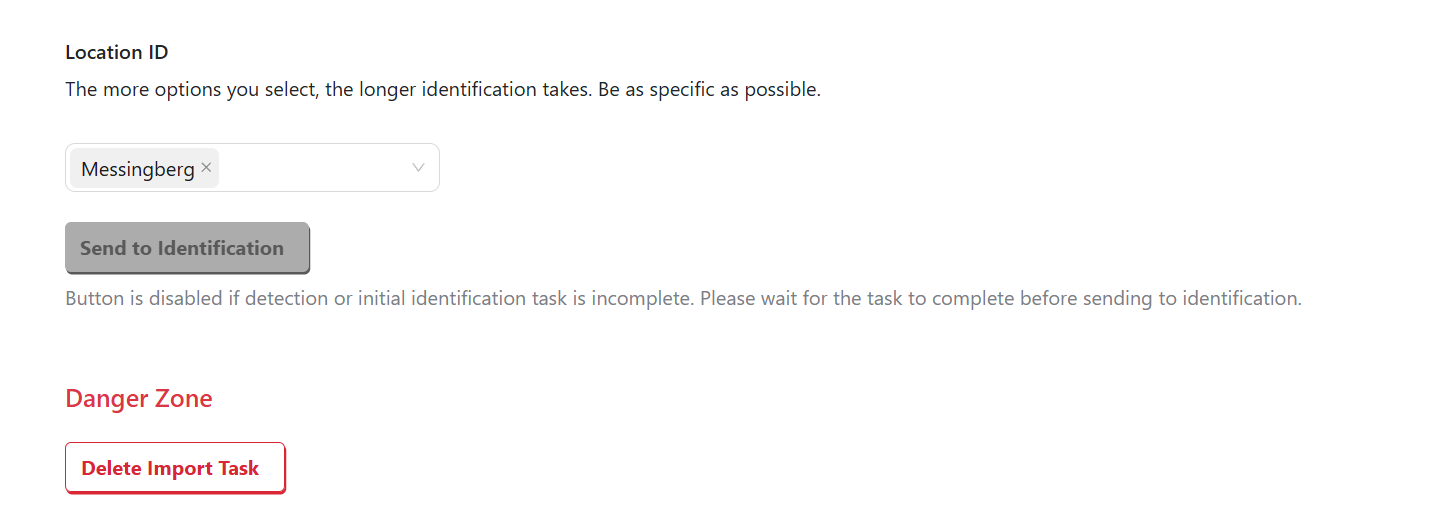
Identification did not start automatically, and I cannot start it manually either.
For the bulk import that only included two photos, I added the annotation manually, after which the identification process began. However, the other bulk imports are larger, so I would prefer not to add the annotations manually. As far as I can tell, the photos are OK, so Wildbook should be able to add the annotations.
What did you expect to happen?
I expected the annotations to be added automatically, after which the identification process would begin.
What are some steps we could take to reproduce the issue?
Upload a bulk import.
Thank you in advance for your help!