If this is a bulk import report, send the spreadsheet to services@wildme.org with the email subject line matching your bug report
In which Wildbook did the issue occur? ACW
What operating system were you using? (eg. MacOS 10.15.3)
Windows 11
What web browser were you using? (eg. Chrome 79)
Chrome
What is your role on the site? (admin, researcher, etc)
OrgAdmin
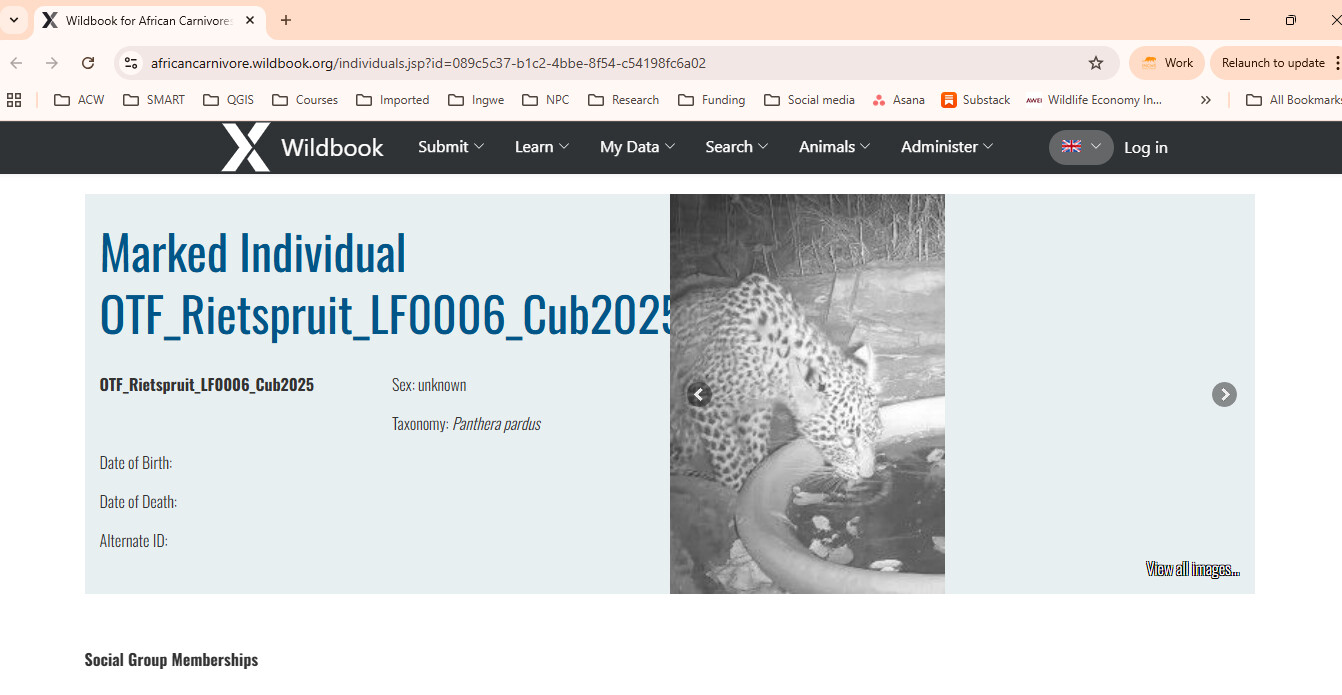
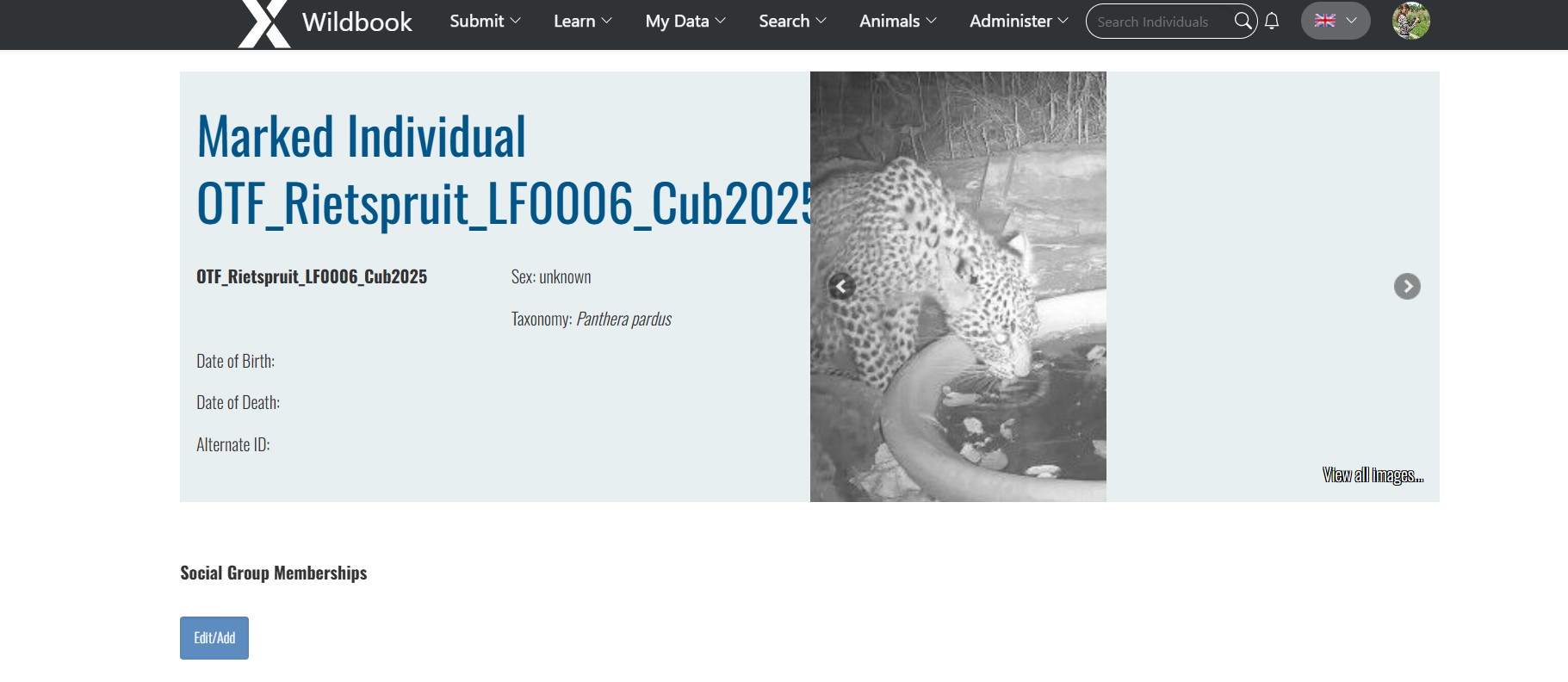
What happened? On this leopard profile, I cannot edit the name, sex, date of birth. It looks like there is a glitch. The image showing on the right hand side also overlaps with the name of the leopard.
Can you explain in a little more detail? Do you mean that you don’t see an edit button on this individual’s page or that when you edit these fields and click the Update button, nothing happens?
Sorry for not providing enough information. I have attached a screenshot. You’ll see that the EDIT button does not appear so I can’t edit the name, sex, date of birth etc.
Great, thanks for clarifying! based on your screenshot, it looks like you’ve either not logged in yet, or were signed out due to inactivity. Can you let me know if this still happens when you visit the individual page when signed in?
I’ll also have the devs look at the name/image collision issue. Thanks for flagging it.
Thank you! I’ve sent you a message with your temporary password. It does look like some weird permission restriction is present that shouldn’t be there since all of this individual’s encounters belong to you. Thanks for your patience while I continue to dig into this.
Ok, you should be able to view that individual page’s edit button. You can update your password by clicking on your profile icon and updating the password section in your user page.
The previous permissions were too restrictive and required a user to own all encounters of an individual in order to edit the individual page details. We’ve made it so that if a user owns any encounters of an individual, they can edit the individual page for it.