What operating system were you using? (eg. MacOS 10.15.3)
Windows
What web browser were you using? (eg. Chrome 79)
Chrome
What is your role on the site? (admin, researcher, etc)
Researcher
What happened?
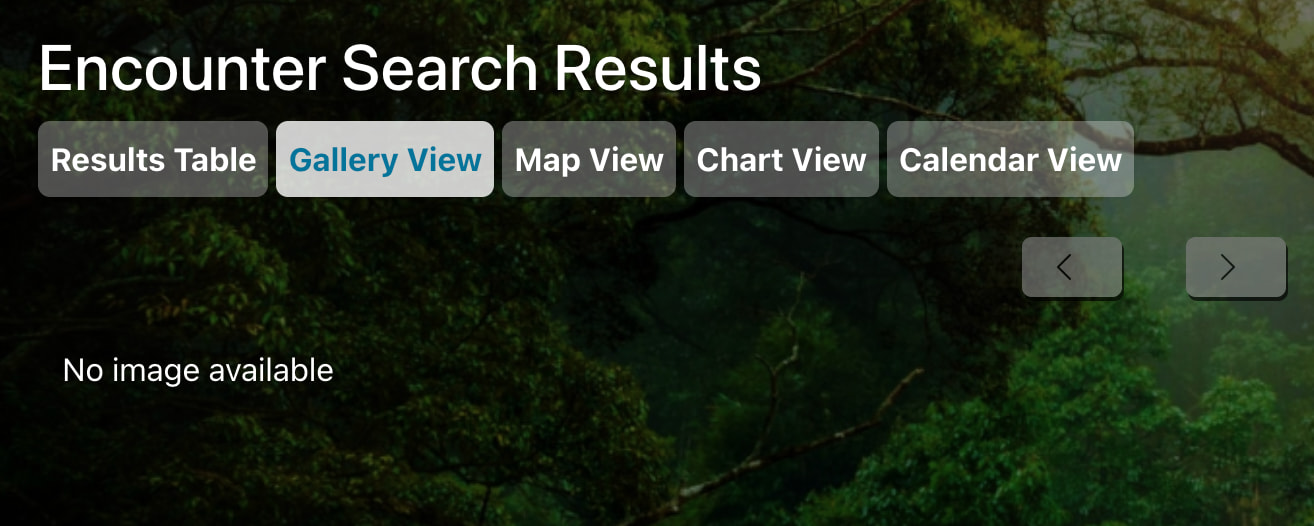
When we select a marked individual from “My Individuals” and click “view all images,” it will say “no images available.” However, it is inconsistent. We can see some individuals, but not others and there does not seem to be a pattern either. For example, I can view individual “073_achmus_makw_2023” but not individual “007_achmus_makw_2023”
What did you expect to happen?
I expect to see all the images of any individual that any collaborator created.
What are some steps we could take to reproduce the issue?
Try different individuals and click “view all images.”
Thanks for letting us know. Can you share any other examples of this you see so it can help us figure out why you can see some and not others? I do see that you own encounters associated with both IDs, so at the very least, you should at least see those images you uploaded in the individual’s gallery. I’m not able to replicate it on my side, so I’m hoping additional examples will help reveal a through line.
I tried to get more examples, but it all seems to work now, even individual “007_achmus_makw_2023.” I’ll let you know if we run into it again, but it is all running smoothly now, thanks!
I ran into the problem again with individual “006_achmus_makw_2023". I can see all the encounters, but when I try to “view all images” associated with the individual, the page says “no image available.” I will let you know if I run into the issue with other individuals.
Sorry, I did not see this message! Awesome, thank you! I will reset my password now. I ran into the problem again using Firefox briefly, but it seems to have just resolved itself. That’s great, the fix will be included in Wildbook 10.10. Do you happen to know when 10.10 will be released?