If this is a bulk import report, send the spreadsheet to services@wildme.org with the email subject line matching your bug report
In which Wildbook did the issue occur? Flukebook
What operating system were you using? (eg. MacOS 10.15.3) Latest MacOS
What web browser were you using? (eg. Chrome 79) Latest Chrome
What is your role on the site? (researcher, org admin, etc.) org admin
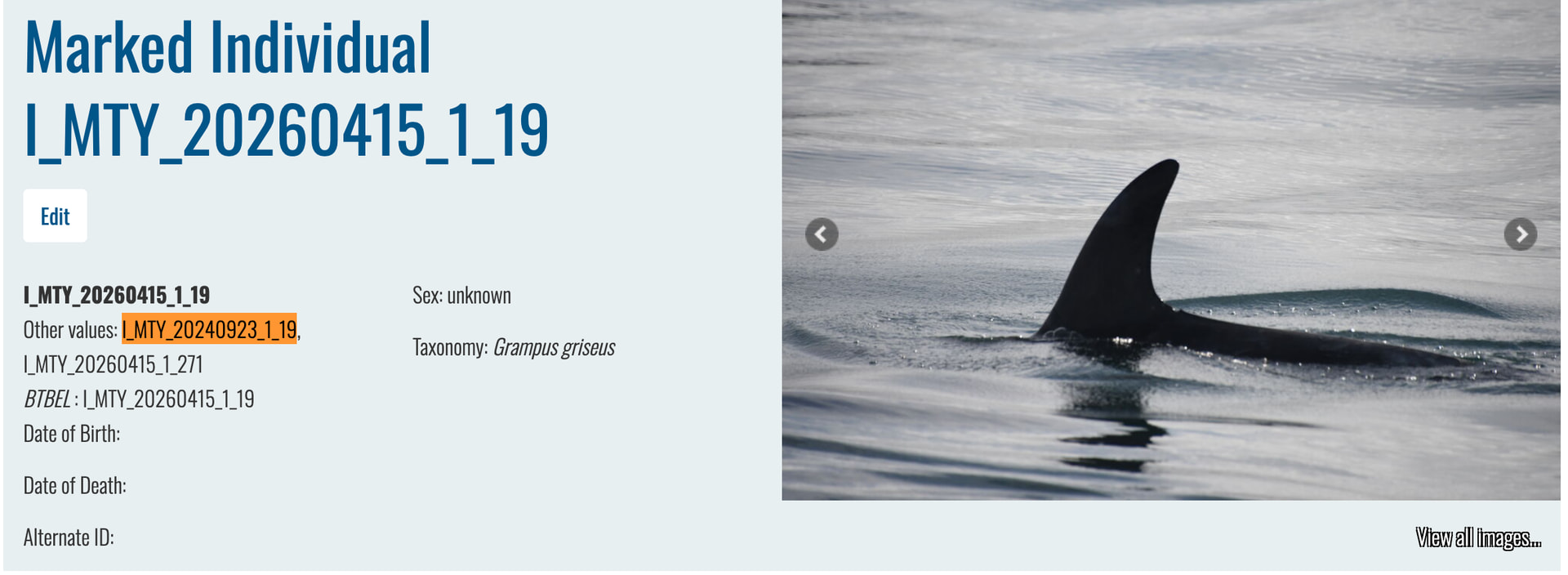
What happened? I am trying to assign an ID “I_MTY_20240923_1_19” to the encounter below but when I type the ID into the Identity field and prompt it to create the new ID, it assigns it to individual “I_MTY_20260415_1_19” instead.
Wildbook should not be suggesting the option to create the ID because the ID is already associated with the suggested individual.
What’s happening that that the individual ID search will also search for secondary IDs like historical IDs, alternate IDs, nicknames, etc. When I open the individual page for the ID it’s suggesting, I can see I_MTY_20240923_1_19 as an ID in the Other Values field, which means this individual used to have that same ID until it was merged.
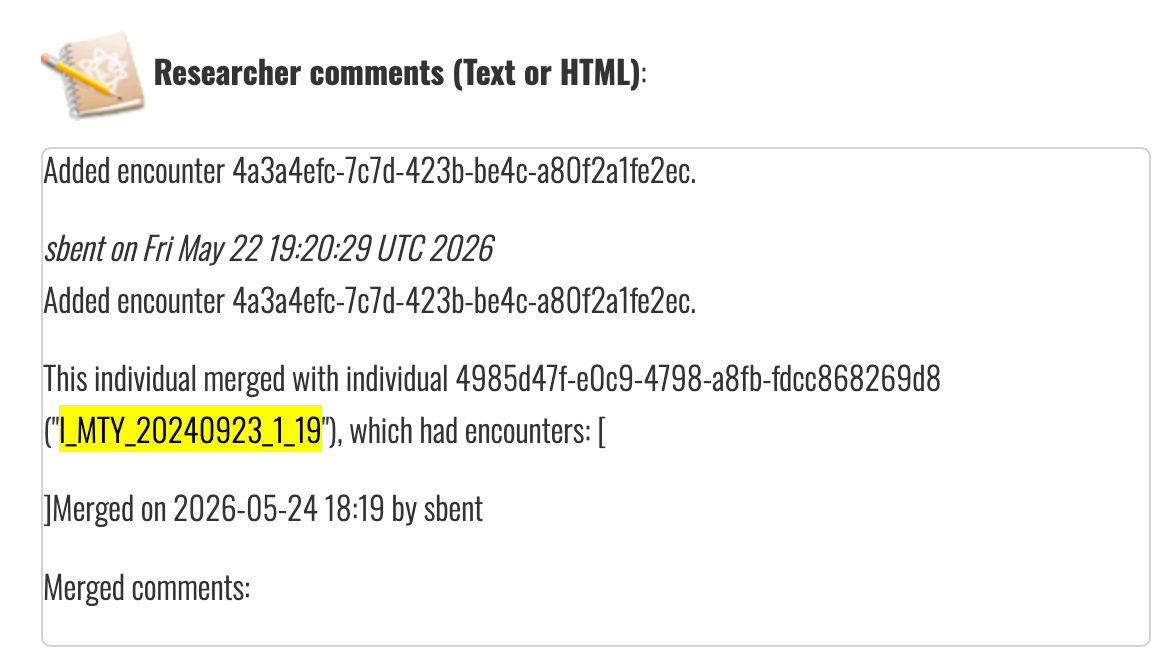
Got it, I had accidentally merged these two IDs and then unassigned the encounters for I_MTY_20240923_1_19 from individual I_MTY_20260415_1_19 to unmerge them. Is there any workaround for now to assign this encounter to the correct ID?
I created a new individual with a test ID, then went to the individual page to edit the test ID with the ID you want to use and saved it. That appears to have worked.
Can you try assigning the I_MTY_20240923_1_19 ID to your encounters now? Once it has actual encounters, I can delete my test encounter from the individual.