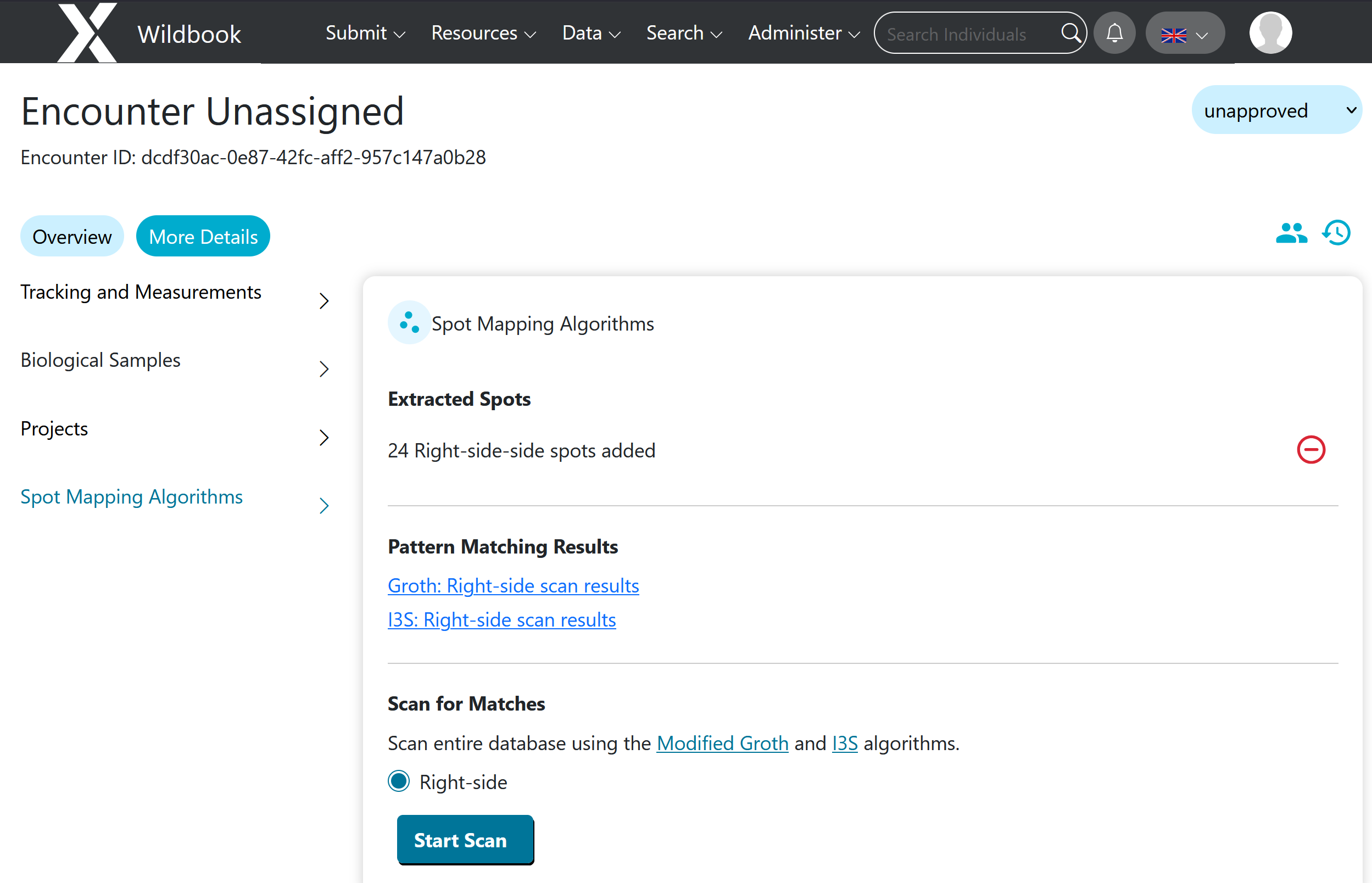
Since the release of the latest software updates (largely so much better!) I have noticed you cannot see the previous spot map provided. This makes it impossible to perform quality control. There is no easy way for me to check that the spot map added for a shark is good or not. This is important because sometimes there is no match purely because the spot map added is incorrect.
Can you please provide me with a workaround to this?
Thanks!
Hi @Sarah_Aus_SpotaShark
You’re referring to the old spot map preview and not the version shown in the match result links, correct?
Hi Anastasia
I am referring to the old spot map preview that would sit at the bottom of the page next to where it would say how many spots had been added, and would have the links to i3s/groth for left/right. Unfortunately without it, all we have are the partial spot maps as part of the i3s results, which are not the full spot map image so is hard to determine if the spot map was correct.