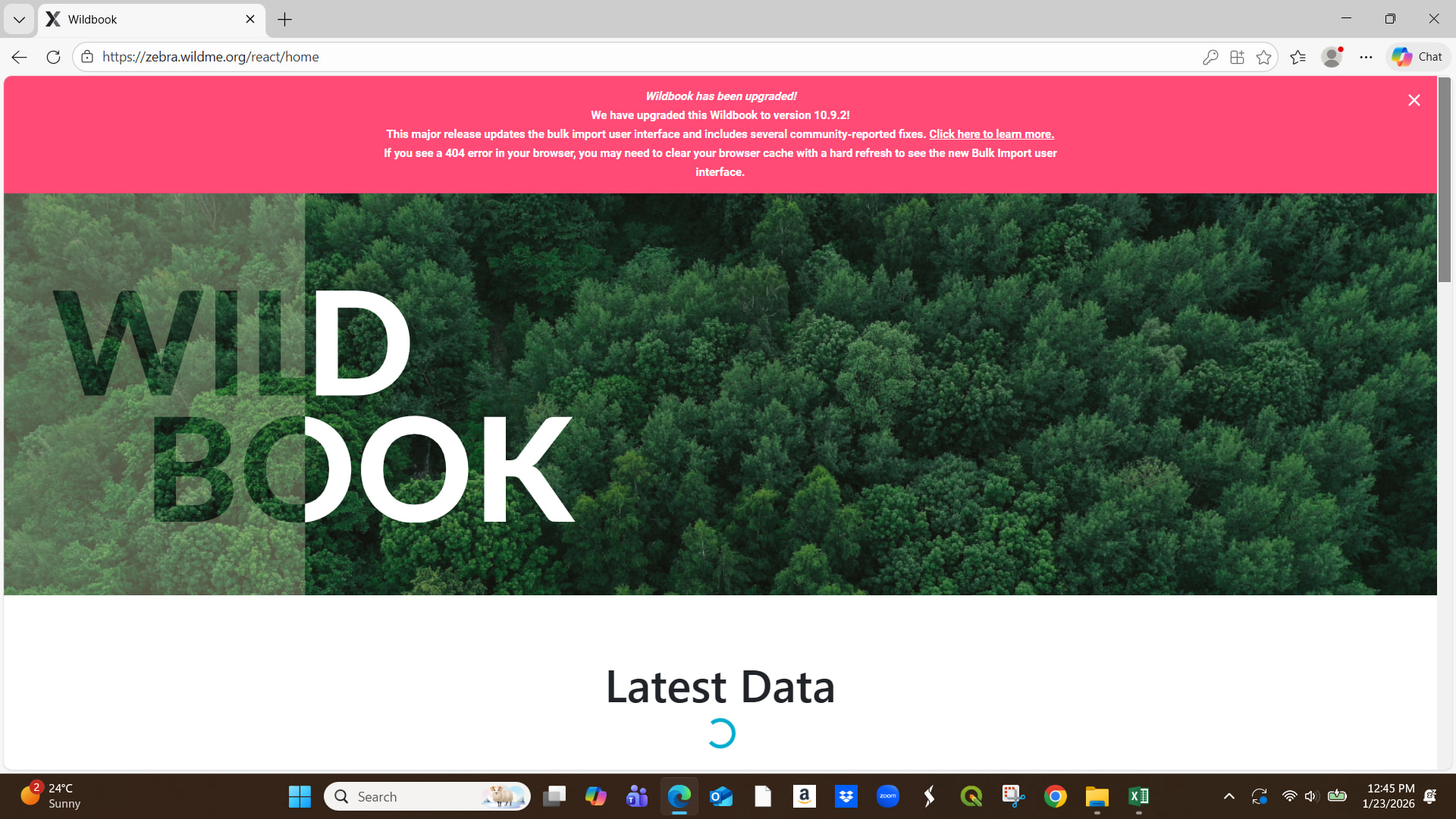
If you click the X in the upper right corner of that banner, it should go away and display the navigation menu. Let me know if that doesn’t work so I can keep researching this.
Thank you for sending the spreadsheet and the images! It does looks like it’s refusing to upload images larger than (it accepts smaller images I’ve tested with). I’m figuring out if this is intentional and if so, making sure there’s a warning that explains why the images aren’t uploading so users aren’t stuck. I hope to have an update soon.
It was always a recommendation in our help docs, but never previously enforced. Data storage is expensive and we want to keep Wildbook free for users. I’ve seen users in the past who’ve uploaded images as large as 20MB per photo which not only uses a lot of storage, but large files like this put a big strain on the detection and identification pipeline when they’re part of a bulk import. That’s just an extreme example, but our mistake was in not implementing the warning message to go with the new image size restriction.
You’ll need to resize it using photo editing software. If you have MS Paint on your computer, you can open an image there, click the Resize button, make sure the Maintain aspect ratio box is checked, and change the vertical and horizontal values by a small percentage, like 5%. Then go to File > Save As… to save the resized image (so you don’t overwrite the original file) and save it as a jpeg/jpg. If you right-click and select Info on the newly saved image, it should hopefully show the new file size at or under 3MB.
If the new file size is still too large, start again using the original image file (not the duplicate smaller file you just saved) and increase the percentage slightly more than before.
Due to the camera settings, we have thousands of photos not uploaded with 3.5mb or less. Does that mean we have to edit each photo to upload? That will slow our work so much.
Can we get access to upload what we have then going forward we change the camera settings.
Can you try your import again? You should be able to upload your images now. I tested with the images you sent and I see them uploading normally on my side so I want to confirm it’s good on your side as well.
Hi Rosemary, i had the same problem trying to resize 150+ images, and i found a website that let you resize image in bulk.If you type “bulk image compressor: on google, it will list several websites that let you do that for free. Hope this helps!