An existing individual is not appearing in auto-suggestions when trying to add ID to an encounter

What Wildbook are you working in? Flukebook

What is the entire URL out of the browser, exactly where the error occurred?

Can you describe what the issue is you’re experiencing?

There are several IDs that won’t appear in the auto-suggestions when I try to add an ID to an encounter (64 and 201, for example). I know I had this problem before and found the ticket for it (Can't add encounter to existing individual when ID is less than 3 characters · Issue #1126 · WildMeOrg/Wildbook · GitHub). It looks like it was fixed, but I am having the same problem with my current sighting.

Can you provide steps on how to reproduce what you’re experiencing?

If this is a bulk import report, send the spreadsheet to services@wildme.org with the email subject line matching your bug report

Hi @jwaite

The bug is resolved with the newest Wildbook update which hasn’t come to Flukebook yet (we just announced it before the holiday break). I’ll need a little more time to figure out a workaround in the meantime.

Do you have an idea when it will come out? I could give these temporary numbers for now and fix them later.

Not yet, but it should be within the next few weeks. We tend to start rolling out to smaller Wildbooks and then gradually move on to the more active Wildbooks to make sure things are working as intended. We’re starting on Snail Wildbook today.

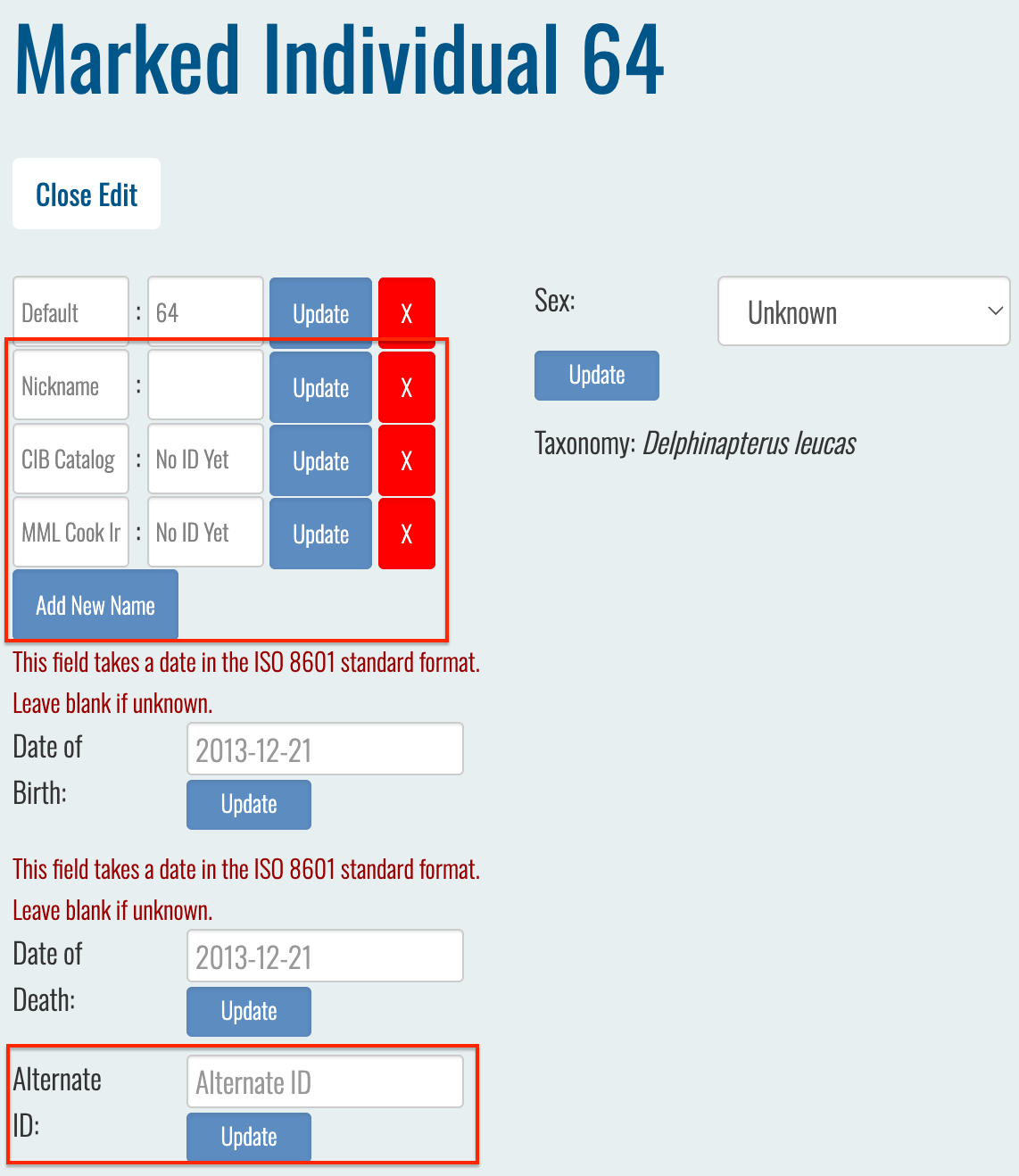
I actually did find a bit of a workaround that doesn’t involve changing IDs altogether. You know how there are alternate IDs you can add to a marked individual page (like project IDs, nicknames, etc.)? You can also assign to existing individuals by typing in one of those alternate IDs and then the main ID will pop up in the drop-down menu.

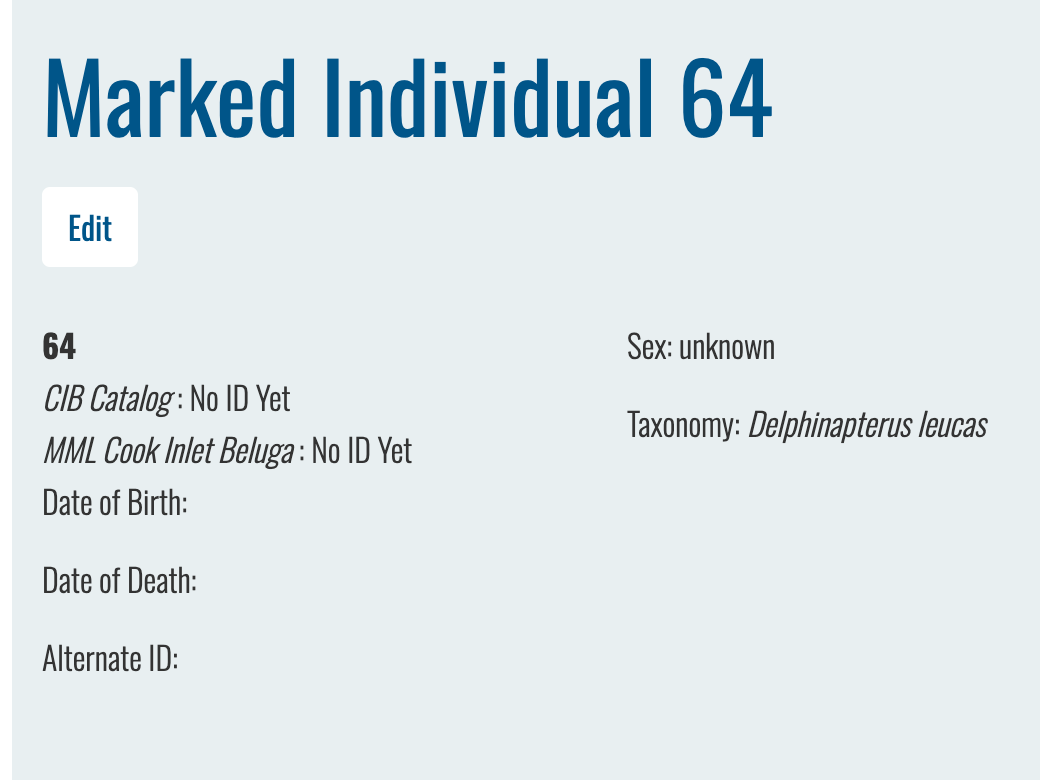
For example, 64 doesn’t have any additional IDs yet:
If you were to add one in any of these fields on the individual page:

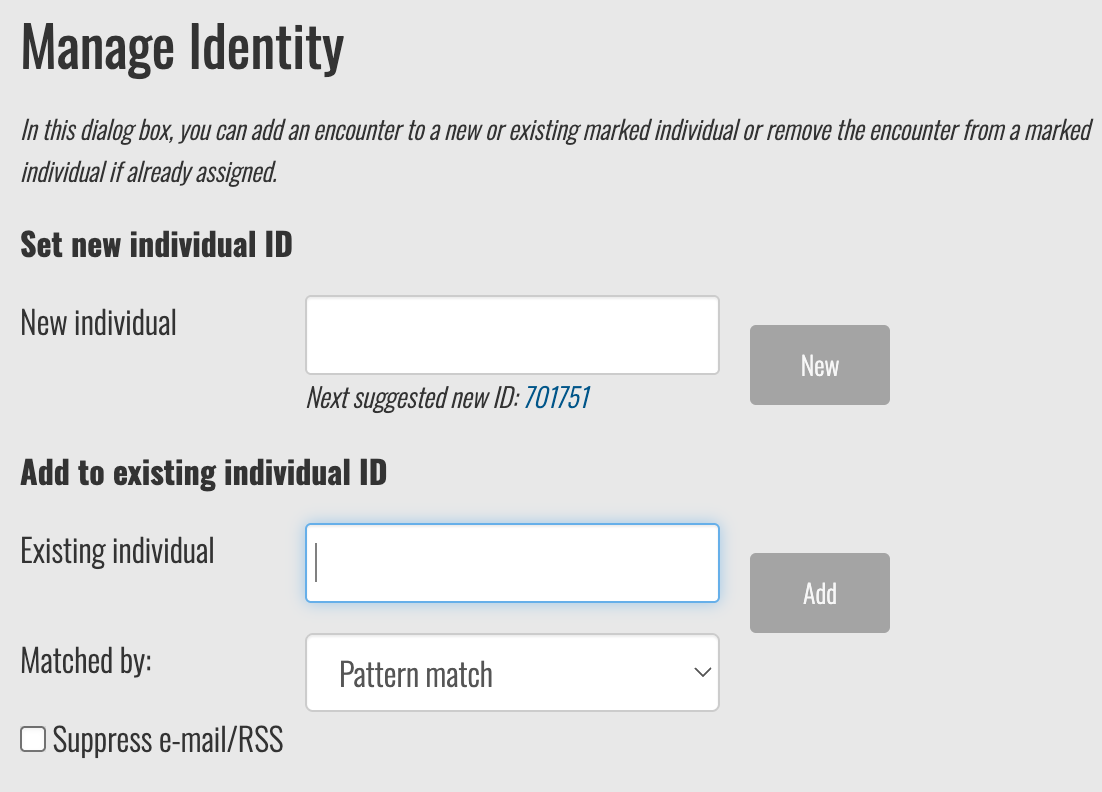
And then search for that name when you search for the existing ID from the encounter page, 64 will display as an option in the drop-down menu here:

OK, great. I’ll try that.

Yes, that works great.

1 Like

Awesome! Luckily, this won’t be needed for much longer as the new encounter page ID assignment section will be more user-friendly.