What Wildbook are you working in? Flukebook
What is the entire URL out of the browser, exactly where the error occurred?
Can you describe what the issue is you’re experiencing?
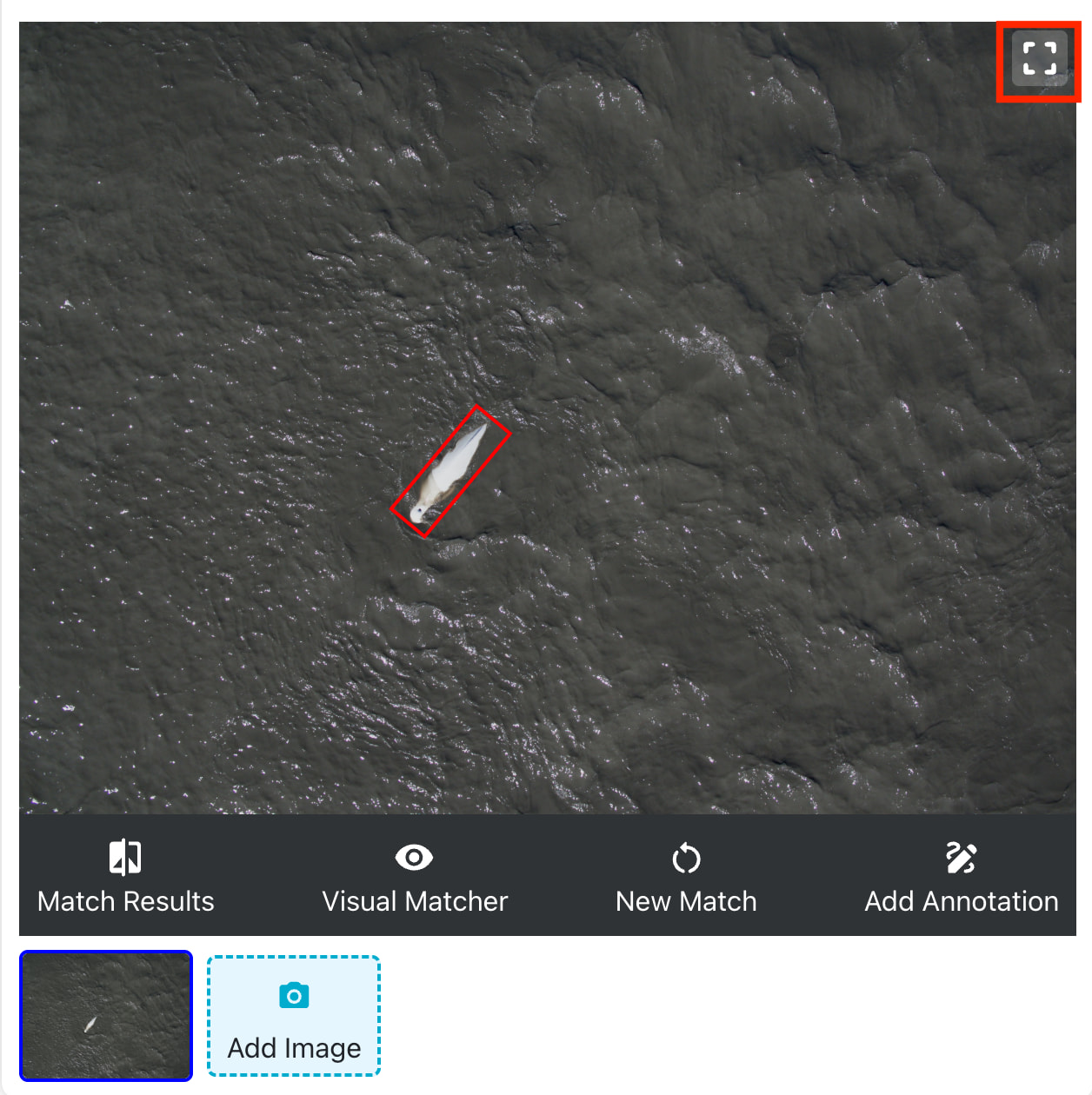
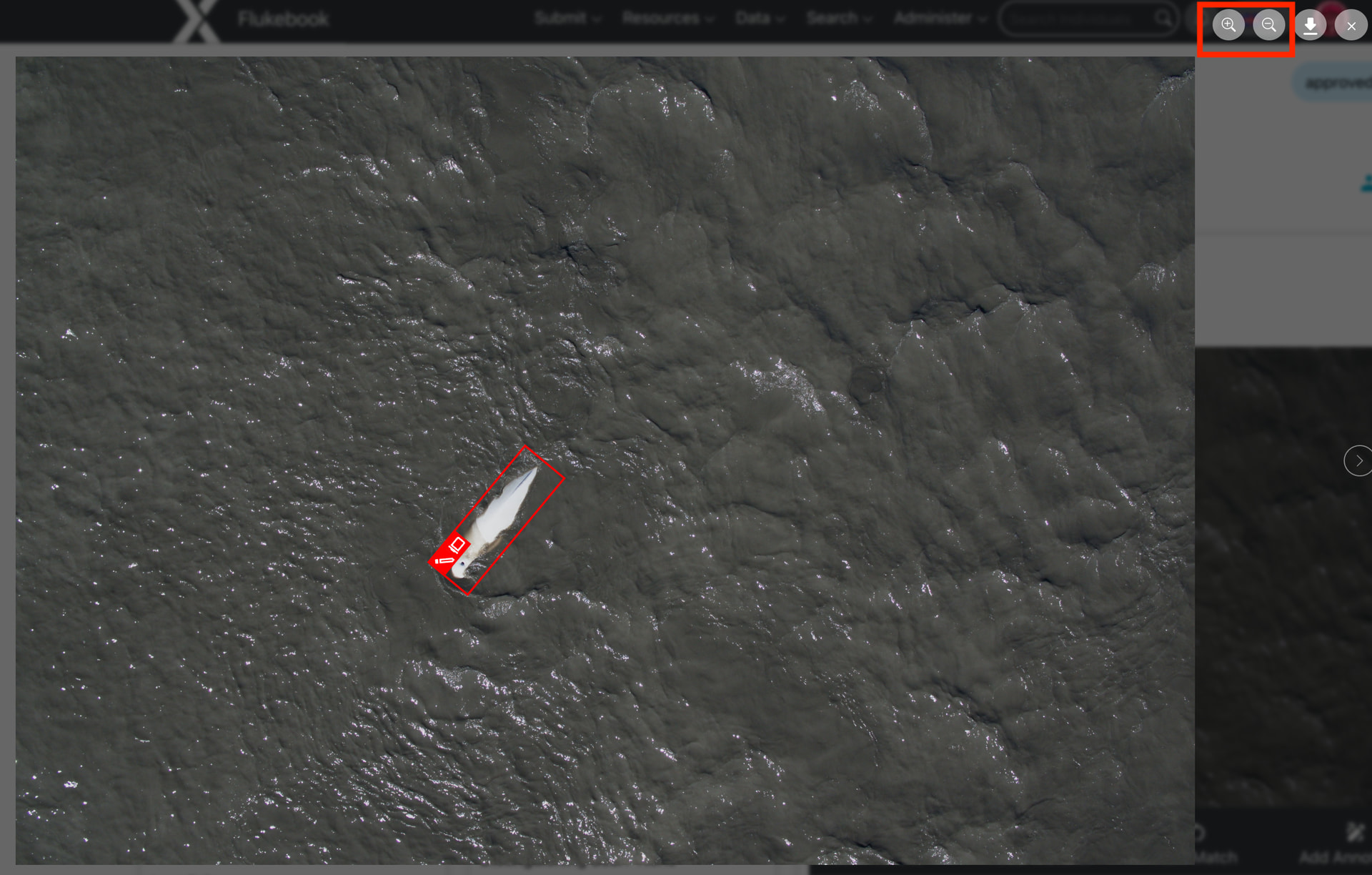
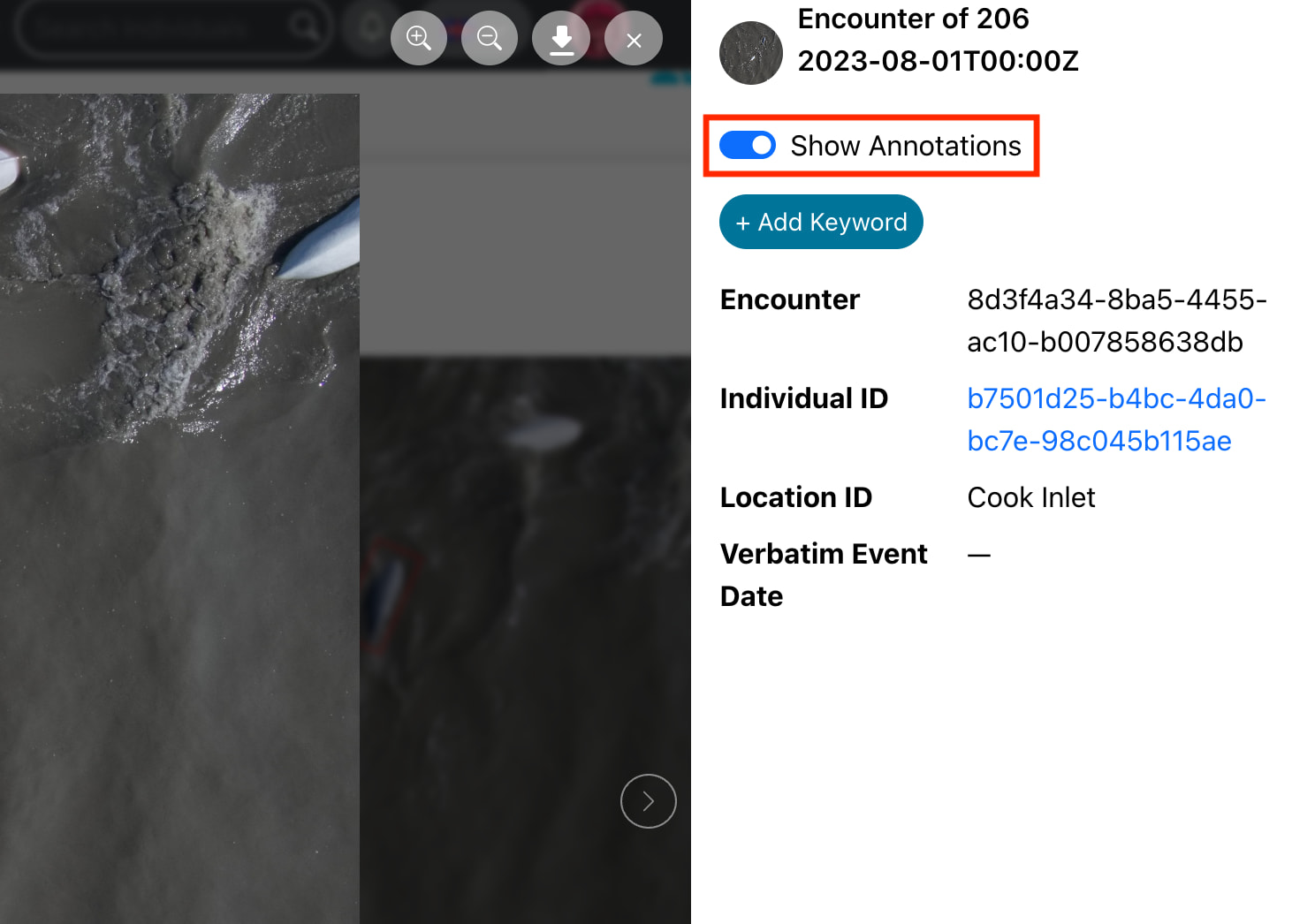
Is there a way to zoom in on a whale in an image in the encounter page? Sometimes a match requires further inspection of other images of the same whale, so when I click on a possible match (e.g. 1307 here Wildbook ), it goes to the encounter page, but I can’t zoom in to the other photos of this individual. Unless I am missing something, it seems that this matching software is not providing a way to actually examine possible matches.
Can you provide steps on how to reproduce what you’re experiencing?
If this is a bulk import report, send the spreadsheet to services@wildme.org with the email subject line matching your bug report