What Wildbook are you working in?
Amphibian & Reptile Wildbook
What is the entire URL out of the browser, exactly where the error occurred?
Can you describe what the issue is you’re experiencing?
Hi,
I would like to download images corresponding with encounters of fire salamanders previously uploaded to the ARW. I have an excel-sheet with the link to the encounter, e.g.: /var/lib/tomcat8/webapps/wildbook_data_dir/5/5/55370ffc-1adf-4e8d-bb54-7c60d633777e/BGBI243791.JPG . The excel-sheet was downloaded from an encounter search in the ARW and includes 2083 encounters. I tried recreating the encouter search using specific filters but ended up with more encounters (and I have my ideas why that is but that’s not the main problem). Also, I can’t directly download the images of the corresponding encounters from the encounter search. Is there a way to do so? I could provide you with the list of all links to each encounter. In theory, we could retrieve the images from our cloud severs and hard drives but they are located in hundreds of different folders, so I’m wondering if there is a faster more convenient way to get these images.
Can you provide steps on how to reproduce what you’re experiencing?
If this is a bulk import report, send the spreadsheet to services@wildme.org with the email subject line matching your bug report
Hi @Max.Muehlenhaupt
If I understand correctly, you’re saying that the Encounter Annotation export isn’t sufficient because it only links to the images from the encounters instead of provides a download of the images themselves?
If so, you maybe a COCO Format export will help for this. We use this export type to help with machine learning training, but it also creates a folder of just the images from the encounters in the search.
Yes, exactly. I would like to download all the images in my list from your servers!
Can you try the COCO export option and let me know if that helps?
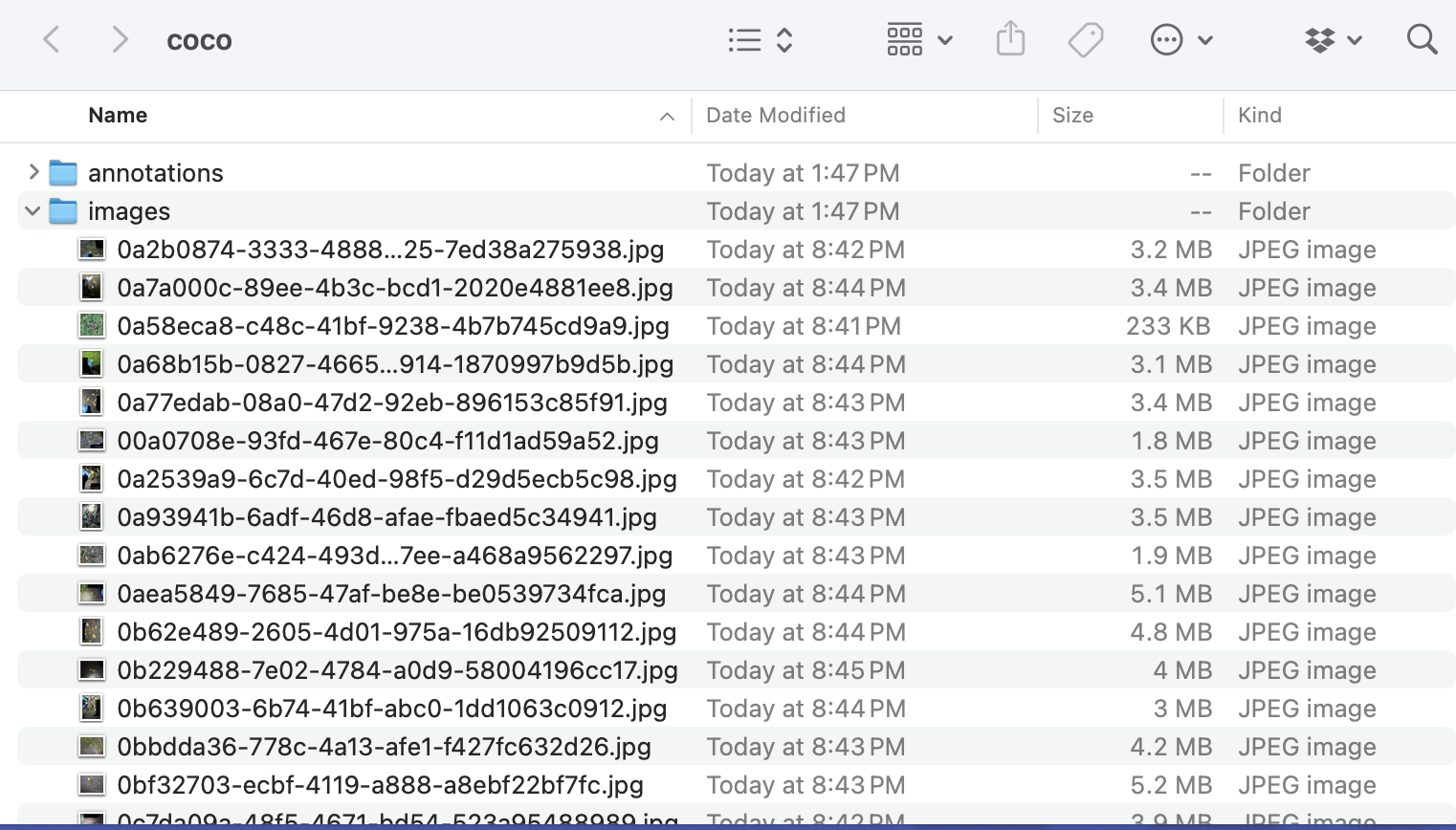
When you unzip the archive file, it should have two folders inside. The image folder should have all the pictures like this:
I did have to do this through the standard search and not the classic search, if that helps.
So I gave it a couple more tries.
If I use the classic search:
JDOQL portion of the query
SELECT FROM org.ecocean.Encounter WHERE catalogNumber != null && (individual != null) && ( locationID == “Botanischer Garten Bielefeld” ) && markedindy.encounters.contains(this) && markedindy.encounters.size() >= 3 && genus == ‘Salamandra’ && specificEpithet == ‘salamandra’ && ((dateInMilliseconds >= 1654041600000) && (dateInMilliseconds <= 1733011199999)) VARIABLES org.ecocean.MarkedIndividual markedindy
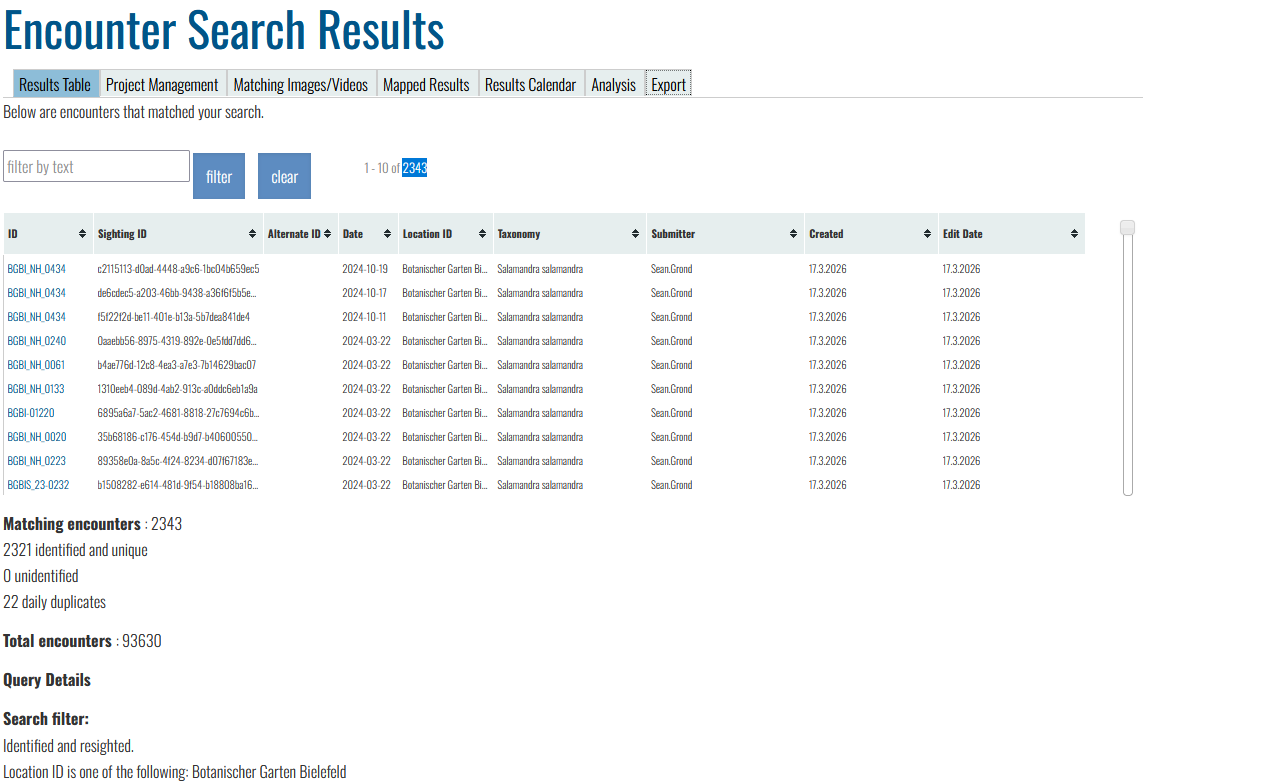
I get an ecnounter search result of 2343 encounters which is probbably correct.
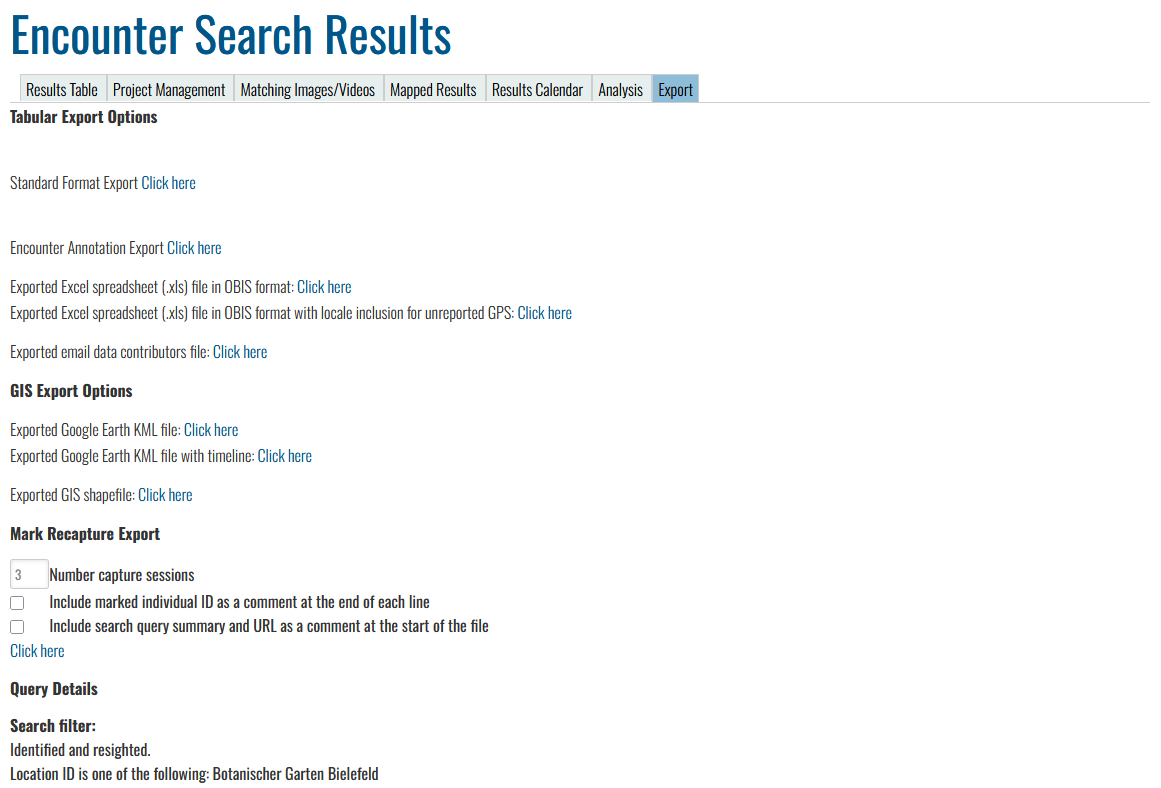
If I then got to Export
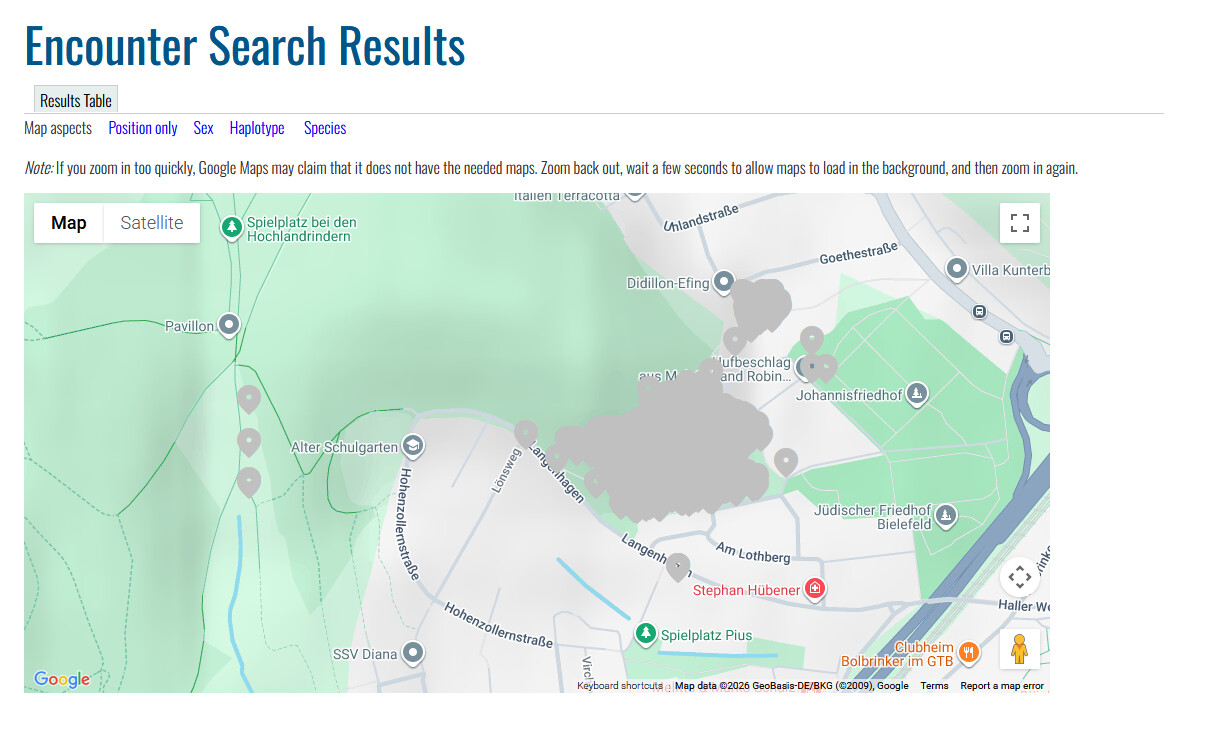
I can only download an excel sheet with annotation information and I cannot download the image files. There does not directly seem to be an option to downoad the image files. Unless I click on Mapped Results and then Results Table.
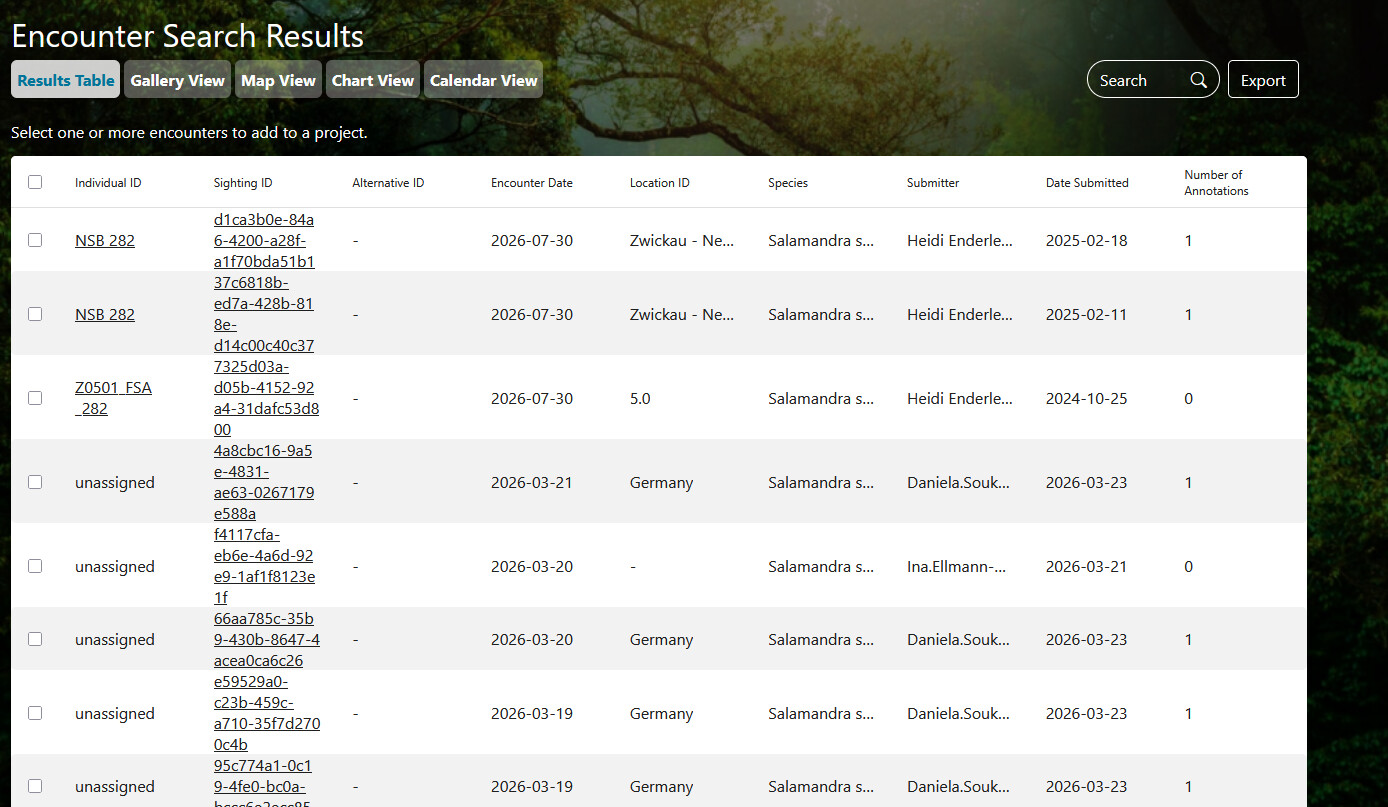
Which will bring me to an Encounter Search Results table in the modern look
This likely is a bug as the encounters shown here do not correspond with my initial search query. Here, I could click on Export and then download in COCO which will yield a folder wthout any images in it.
Next attempt with “modern” search:
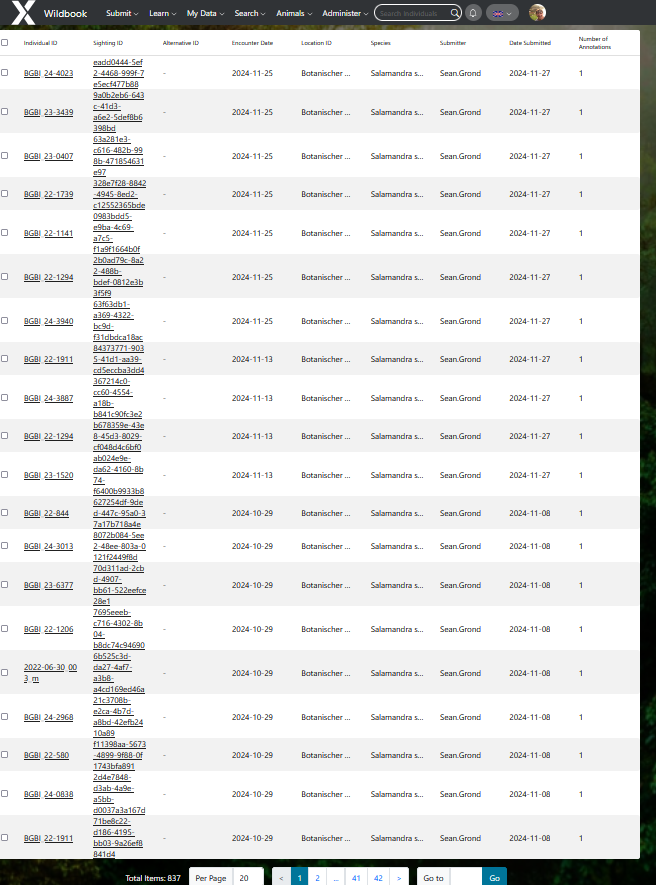
If I try to recreate the search filters (genus and species are Salamandra salamandra, found between 2022-06-01 and 2024-11-30): I only get 837 items
The IDs that I can see do correspond with what I want to find actually (just not all 2000+ of them).
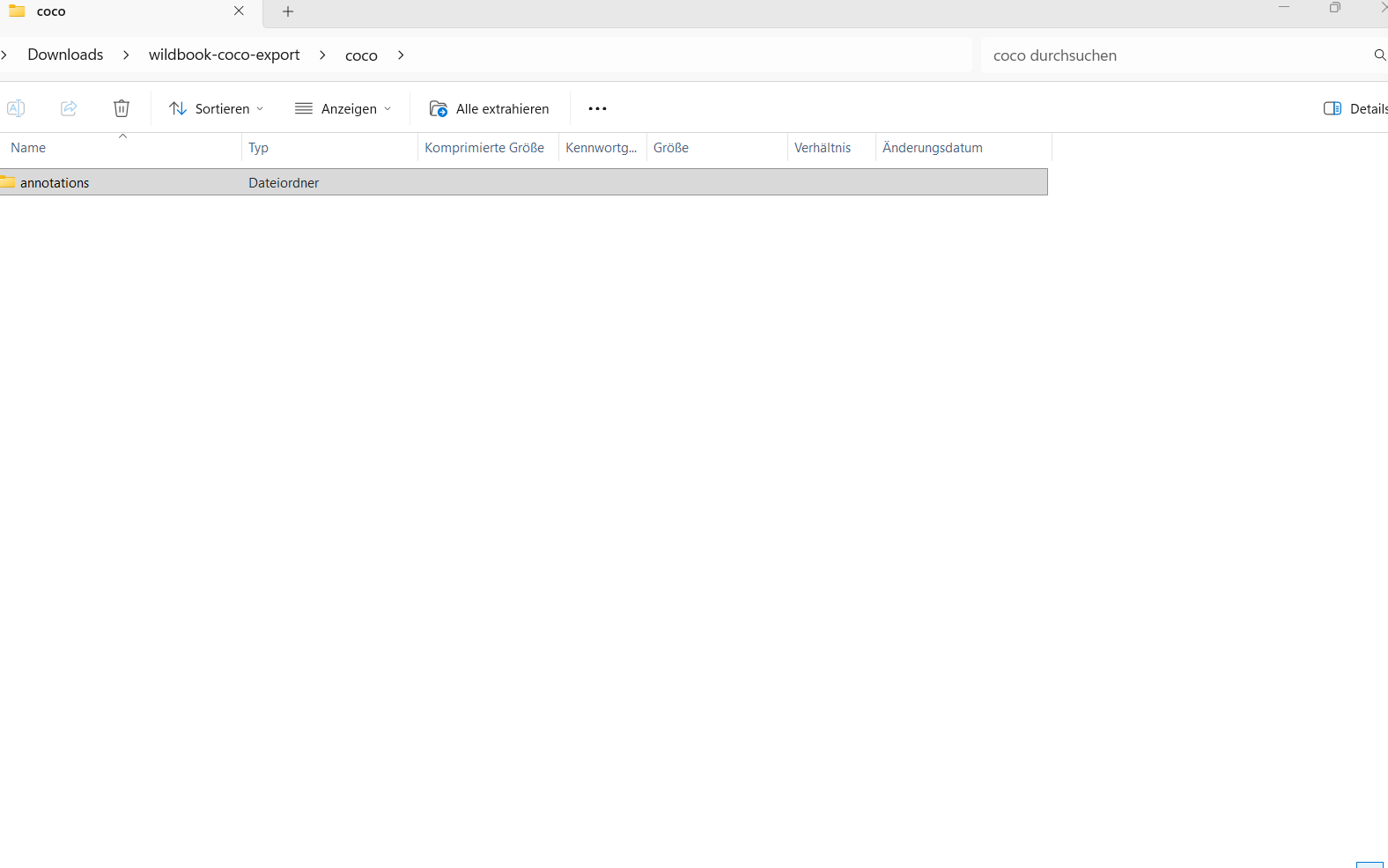
If I then click on export to download in COCO format, i get “wildbook-coco-export” folder. But I cannot open or extract this folder (the error messages are in German but they say something like “Folder cannot be opened”, “The folder is invalid” and when I click on extract: “The ZIP-compiled folder is empty”).
Sorry, for all the hassle. Alternatively, we can also download the images from our cloud servers and hard drives but I was wondering if these fixes can also be helpful for other users and future projects.
Thanks for the detailed follow-up, @Max.Muehlenhaupt!
We’re going to force ARW to re-index encounters to address the discrepancy between the numbers in classic search and that standard encounter search. Once those numbers are aligned, I can dig into the export side more.
I realized that the COCO export is only available in the standard encounter search and not the classic encounter search. The classic encounter search will only have annotation export as the closest equivalent where it will include a link to the encounter’s picture, but won’t include the image file itself as part of the export.
In the meantime, I’m curious why the zip archive isn’t including all of the folders. Do you mind sending me the most recent one you have as an attachment to services@wildme.org so I can look into why it’s not extracting correctly?
1 Like
Hi Anastasia,
I will, thanks for following up!
I have just started a new modern encounter search with the filters location (Botanischer Garten Bielefeld) and Date (2022-06-01 to 2024-11-30) and now received 2198 total items. I ran a new COCO format download and received the same problem: I cannot open the folder! I will send you this folder (1 GB).
With regards to the “empty” folder: I think that was just the result of a faulty encounter search where the classic search was then redirected to the modern search with a random assortment of encounters. The downloaded COCO format folder was then just empty because the information about the encounters included in the inital classic search was lost. I can send you this empty folder as well!
Thanks for sending the file! It looks like ARW is timing out before the file finishes generating and then you end up with an incomplete result. Jason and I are working on fixing this. I hope to have an update for you next week.
1 Like
Hi @Max.Muehlenhaupt
Thanks for your patience. We have a fix for the timeout issue with ARW exports and this should be resolved now. Can you try your export again?
Hey, thanks I tried it!
First, I tried the Classic search which yielded ~2300 encounters but there was no COCO export option. I tried the modern search thereafter and it only yielded ~800 encounters, so I do not know what happened there. I believe I used the same filters (timeframe, genus and species, location, only include individuals with 3 or more encounters. So I do not know why I get differetn results.
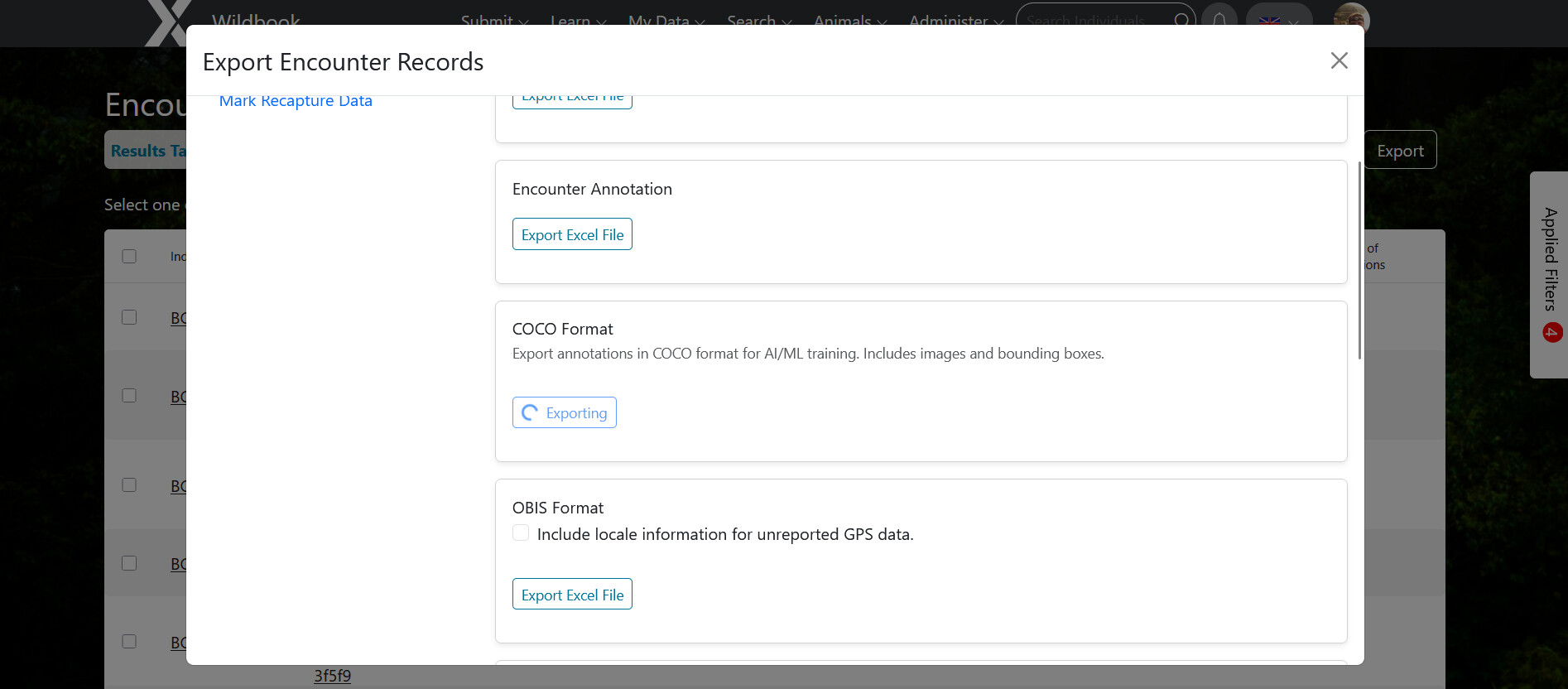
Using the modern search results, I click on Export to download in COCO format. For a minute or so, I have the loading screen:
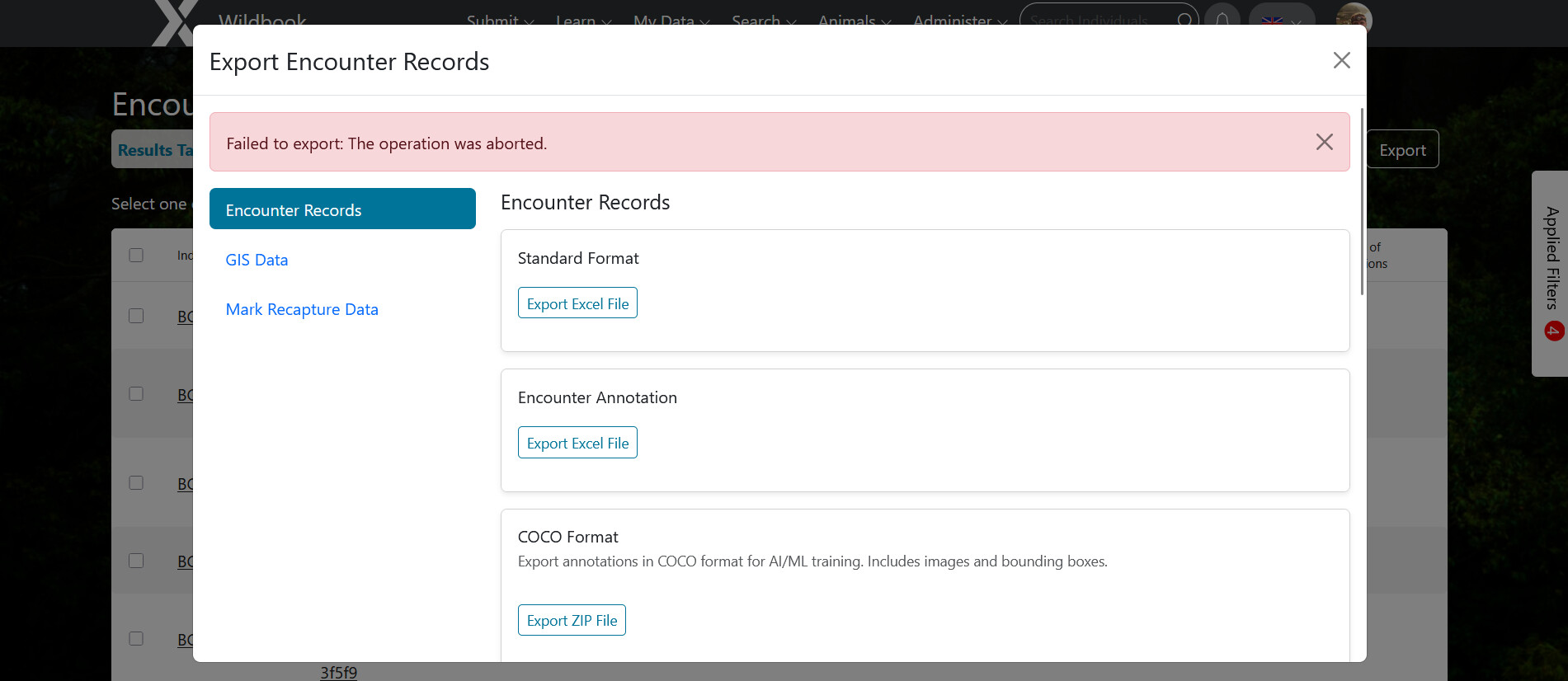
Afterwards, the download is unfortunately aborted:
I use the Firefox 140.9.1esr (64-Bit) browser on a Windows 11 Enterprise computer.
Thank you for the update! Coco export will only show up as an option for the standard encounter search. I am concerned about the discrepancy between the search results for each. We’ll work on this and continue to troubleshoot the timeout on the export.
@jason for visibility
1 Like