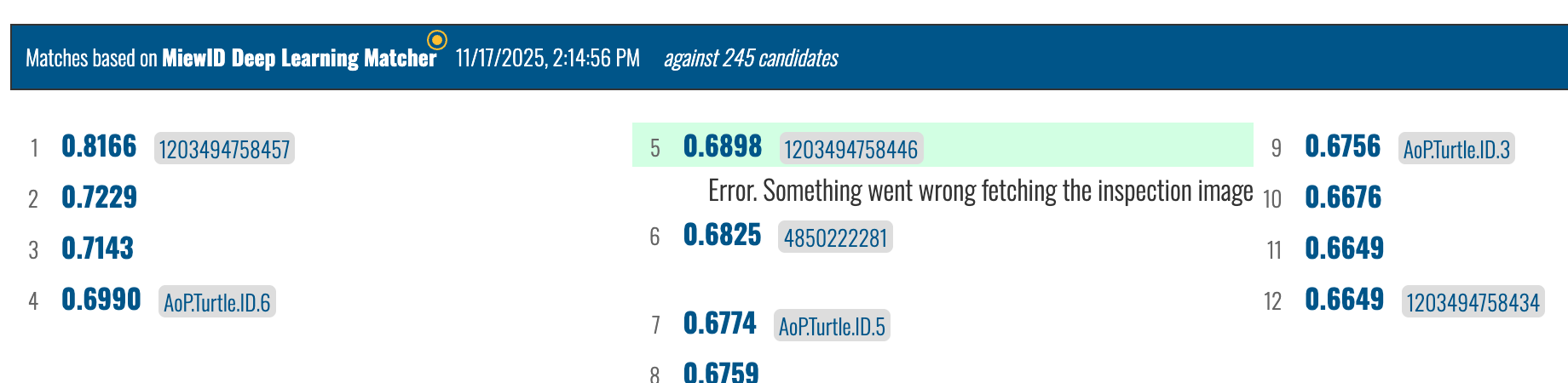
Thanks for your patience. It looks like there was en expired certificate on our side. I re-ran the match to before discovering the issue and see that it’s showing all inspection images now: Internet of Turtles
No, screenshots aren’t necessary to prove the error message. I believe you. It was more for having the links to those specific failed tasks so that we can check the logs on them and see why they are failing. Occasionally it will show up if matches just haven’t completed yet. But if your match results never show up and continue to show the error, those are the link examples the devs and I need to dig in more.
Ahh, I see. I’m sorry, I think I have what I need for now. Thanks for your patience. I don’t know why I was expecting an error with the candidate image when you already said it was about the inspection image button.
Thanks for your patience. The TLDR is that the server was caching an expired https certificate despite the new one already being updated. Going forward you should see your inspection images more consistently. You may need to restart previous matches that have the inspection error if you want to see the inspection image.