Hello, should I avoid using flukebook while it is being updated today? I noticed that it appears to be on the newer version already but I wasn’t sure if it was complete yet. Thanks!
You can still use it, but you may want to wait to validate matches or exporting any searches. Annotation and search re-indexing is usually one of the last steps of the update. That means there could be potential missed matches or missing search results until the indexing completes and the dust settles.
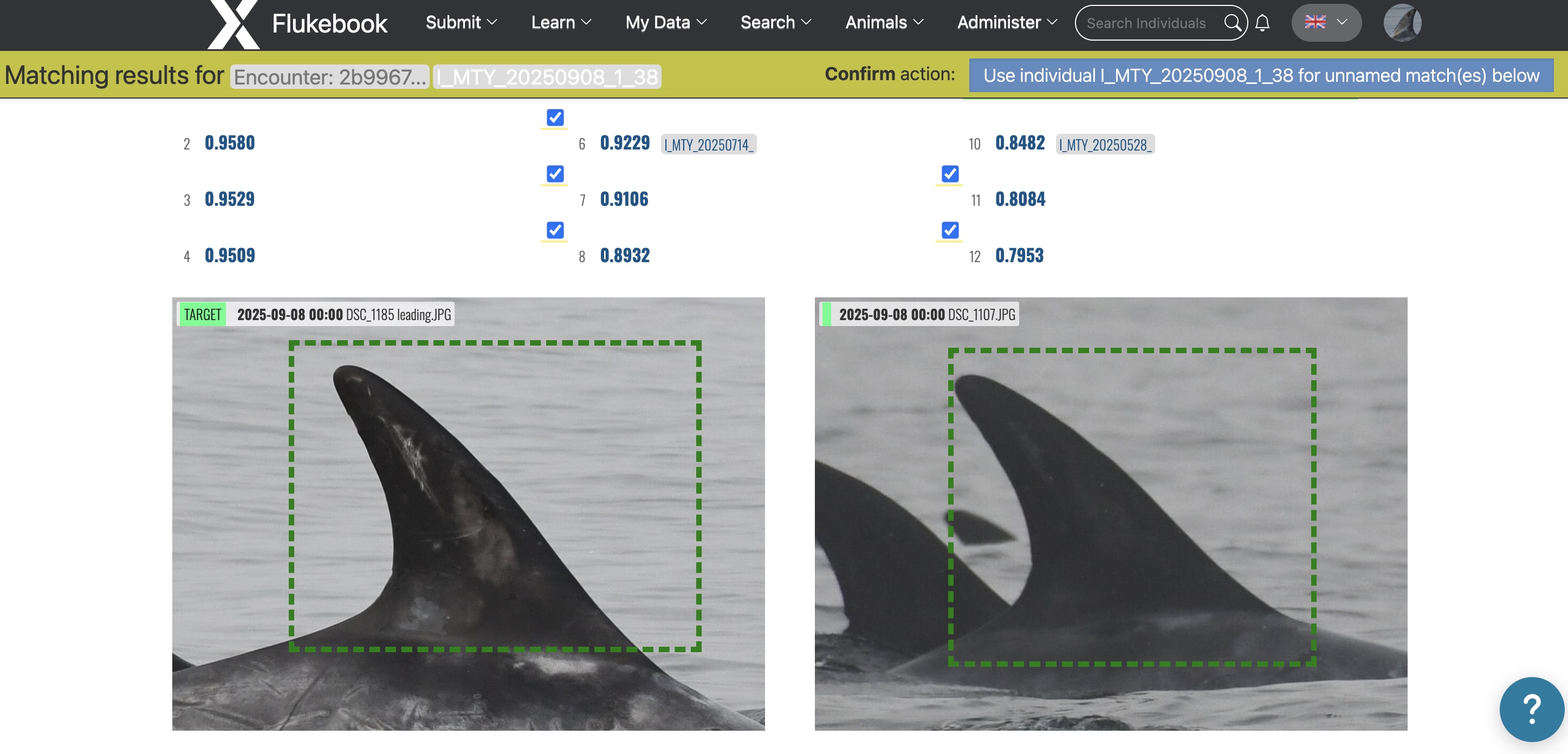
Ok! A question about the redesigned match page: the images no longer display the date and file name on the top left corner?
That is correct. I wrote a feature request ticket to bring it back because we’ve already gotten feedback from people to put it back in. 
Ok perfect because I was also going to ask if we could bring it back! Thanks 
1 Like
Will you be posting an update when the Flukebook update is complete?
You should be good to go! Embeddings are still being extracted (what makes annotations matchable), but right now the ones that are still processing are on data that hasn’t been matched in the last 10 months or more, so this shouldn’t be a roadblock for you.
I’ll continue with testing things in Flukebook to make sure things are working as expected, but let me know if you see anything weird.
I do have one big issue, it looks like I cannot upload images over 3 MB, which I was able to do before. Almost all of our images are over 3 MB 
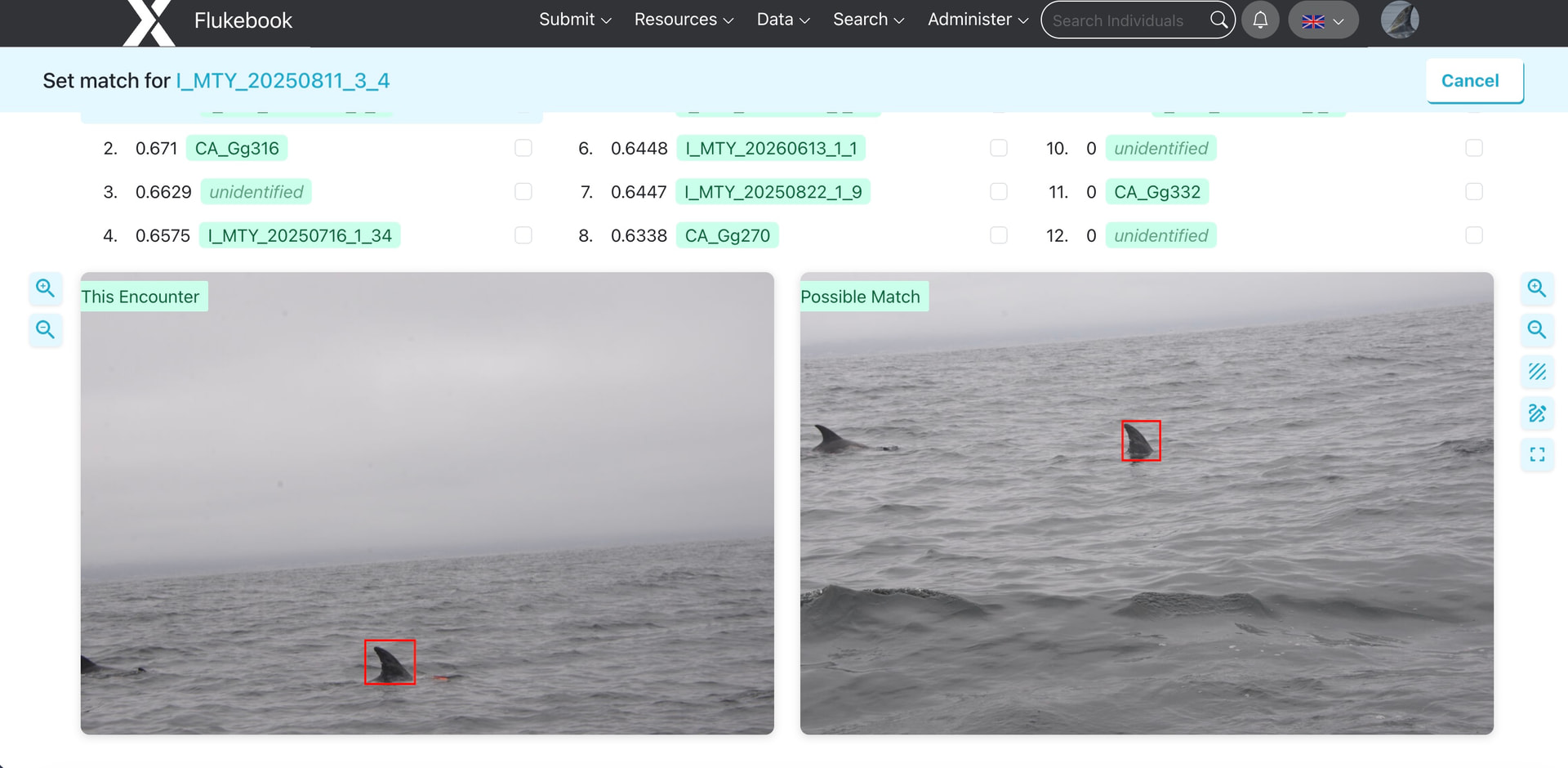
Also, on the old match page the images used to be zoomed in so the annotated part fills the thumbnail but now it shows the whole image and I have to manually zoom in on each one.
This is intentional to keep our data storage costs manageable as our Wildbook user base grows. This doesn’t affect existing uploads, but all new encounters are held to this updated limit.
Let me check with the devs on this one and I’ll follow up with you.
Got it, I’ll start cropping images before uploading. Thanks for checking about the match page, it looks like the image thumbnail previews are also generally lower quality than the actual image that I can view from the encounter page. This, combined with images being zoomed out on the match page, makes confirming matches more difficult.
OK, we’ve made an update to the zoom so it behaves more like it did before. You may need to restart a match to see the new behavior. Can you let me know if this improves things for you?
It looks great, thanks so much!
1 Like