Thanks for the link!
I found your original encounter of USV0016 and compared it with the one you linked above. The images you see as match candidates are determined by the species, the viewpoint, and the location set on the encounters. Your original encounter has the location description set as “Maho Bay” and your newer encounter has the location description set as “Maho”. Because they’re not entered exactly the same, IoT is treating them as two unique locations.
You can still manually assign your new encounter to USV0016 by clicking the edit button next to the Identity section and entering its name in the Add to existing individual ID section.
Additionally, you’re likely to get more match results if you select one of our existing location IDs from the dropdown menu when you submit a new encounter:
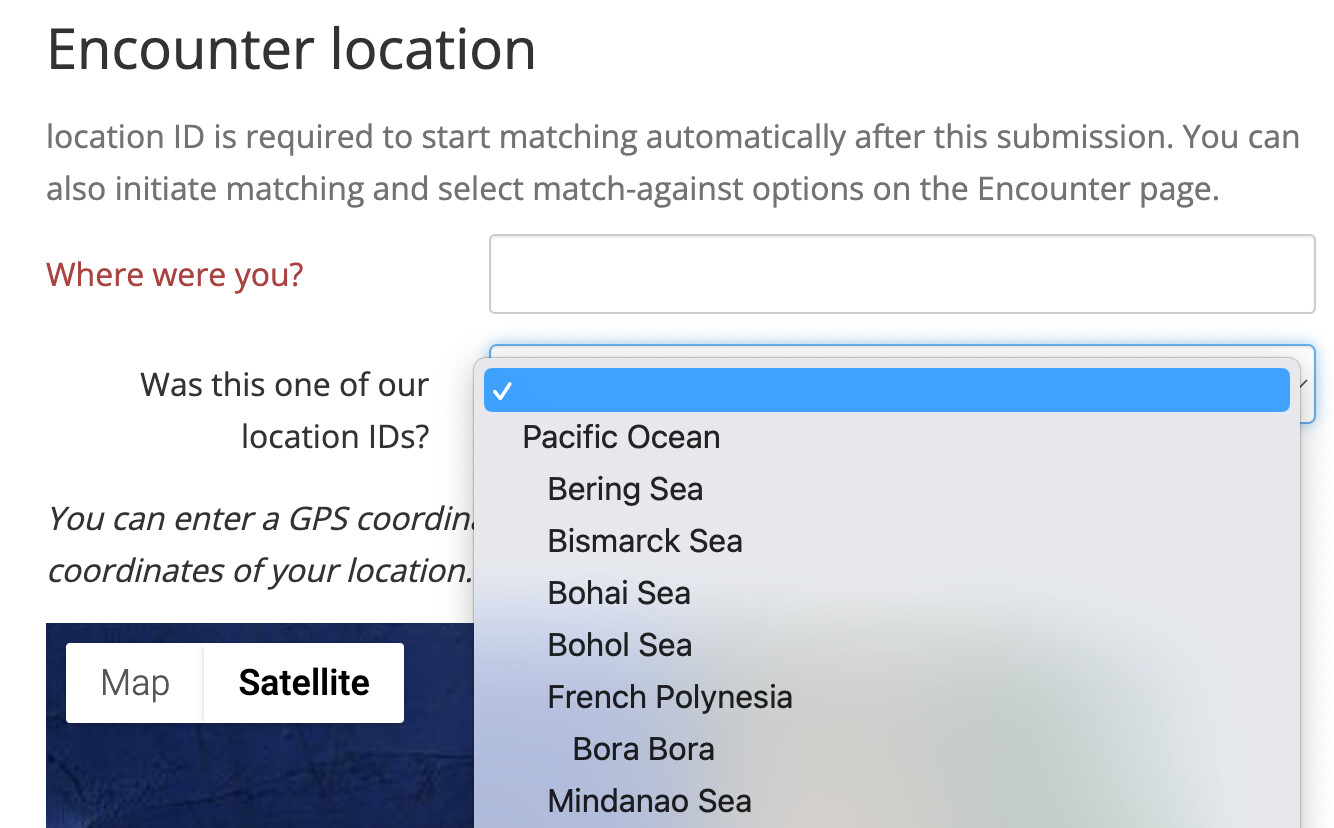
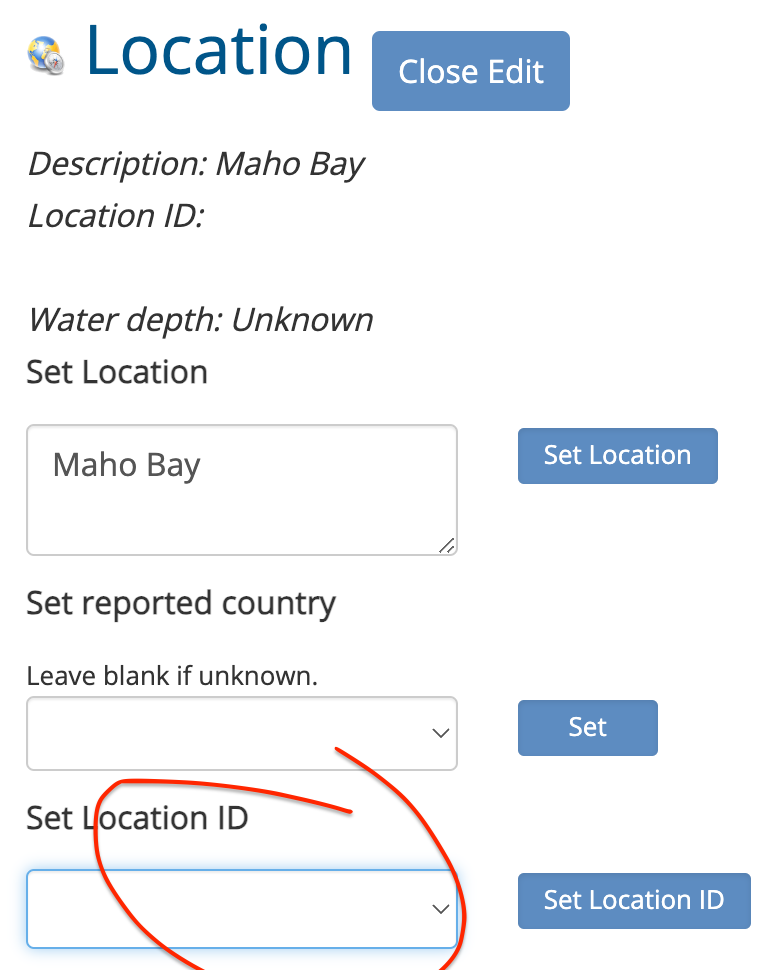
In this instance, it looks like Atlantic Ocean > US - Virgin Islands is the location ID that best corresponds to Maho Bay, so you’ll want to edit the Location section of your encounter and set it as your Location ID on both of the encounters.
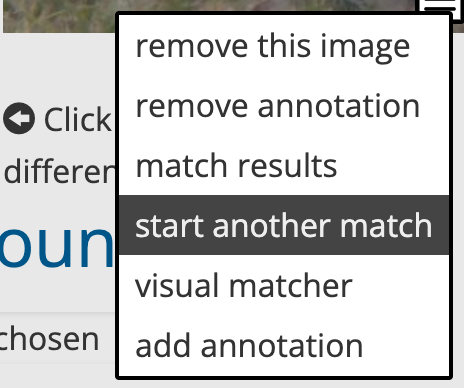
Then you’ll want to go back to your image menu on the encounter and select the “start another match” option and make sure the updated location ID is selected.
Let me know if you still have trouble with your matches after this. If you have additional questions, I’m hosting an office hour phone call next week so we can talk through it in real-time.