What Wildbook are you working in?
Sealbook
What is the entire URL out of the browser, exactly where the error occurred?
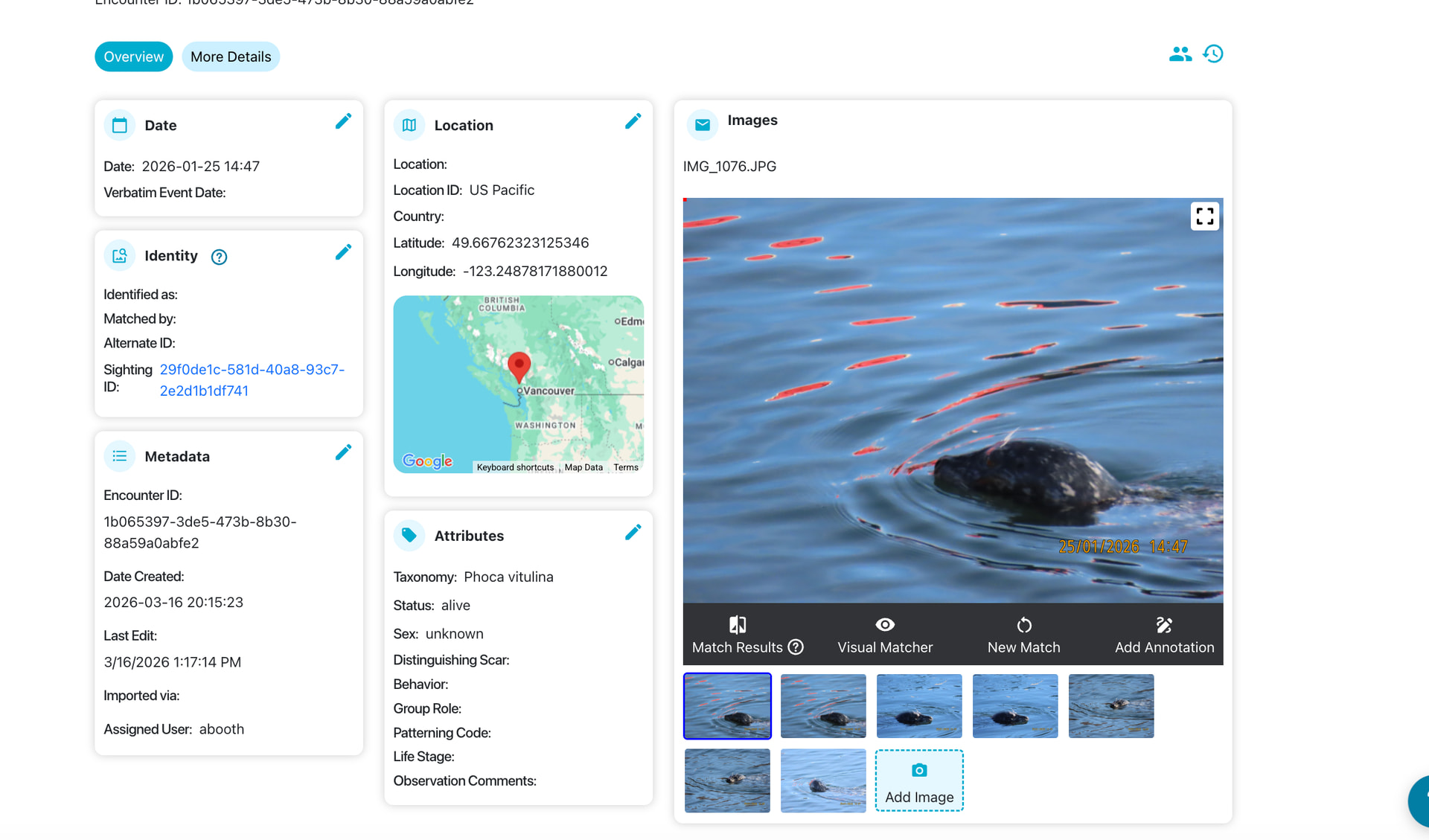
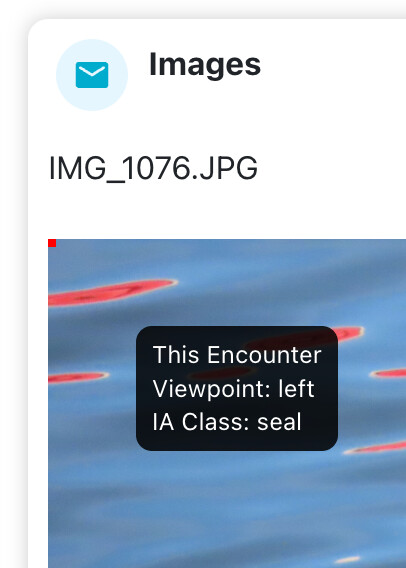
- note the multiple encounter annotations + autodetect seal back as its body
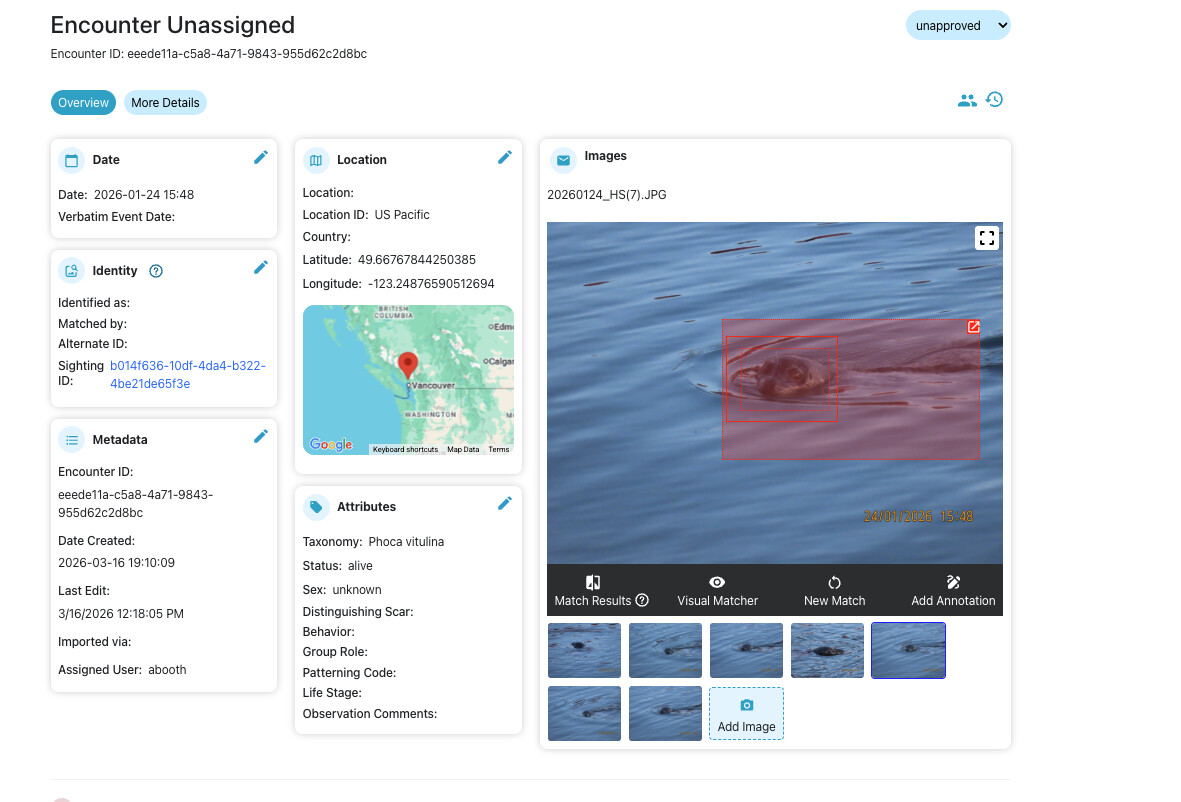
https://seals.wildme.org/react/encounter?number=eeede11a-c5a8-4a71-9843-955d62c2d8bc
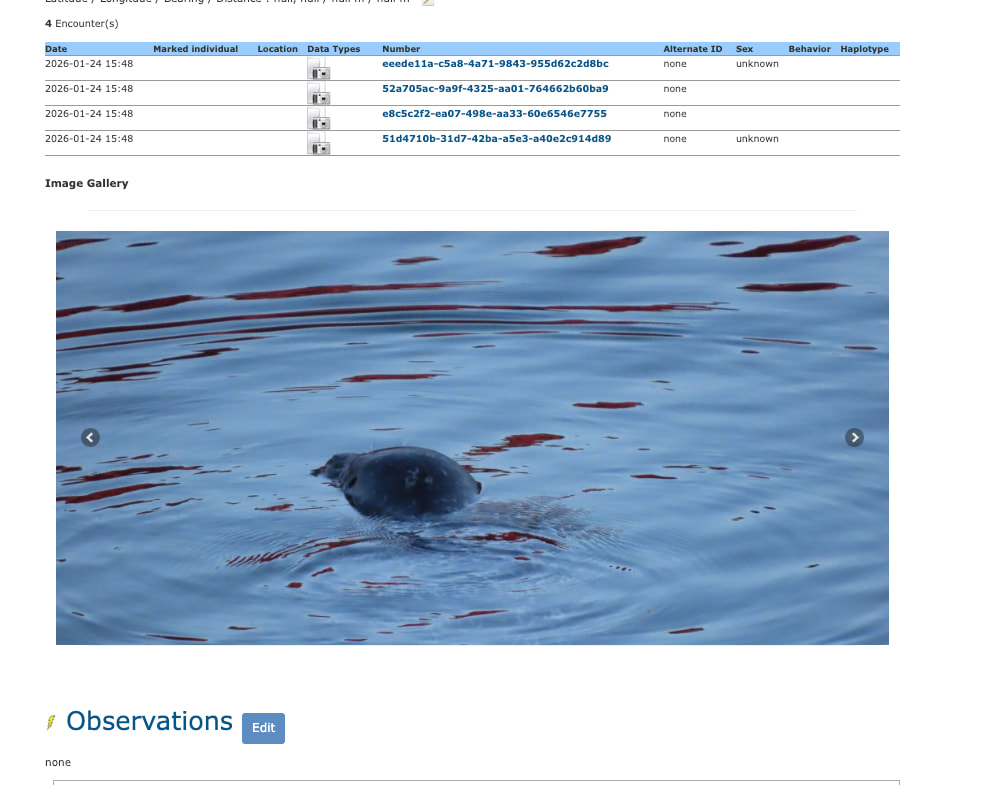
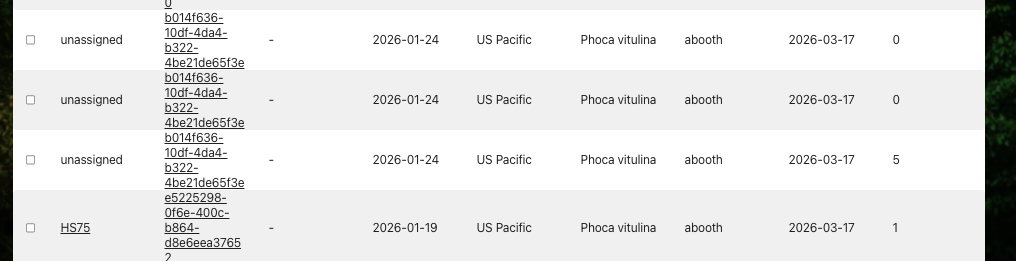
https://seals.wildme.org/occurrence.jsp?number=b014f636-10df-4da4-b322-4be21de65f3e
Can you describe what the issue is you’re experiencing?
Multiple encounters autodetected from one photo - Since using the new wildbook we have routinely been having issues with the autodetect creating multiple encounters for one known seal. Usually before submitting a request we have already broken it into one individual ( ex. RHS3) wild book will create multiple encounters off this one submission. - In the past we would go to all the duplicate encounters pages, untag and delete the encounter to narrow it down manually to one. This does seem to be occurring much more frequently and with more encounters per submission with the Sealbook,
Detecting water ripples as seal body - not sure how much we can do with this, but the autodetect feature is picking up the ripples as the seal body a lot, sometimes there is not even a head attached and its just a chunk of the ocean.
Duplicating photos - After we upload (lets say 4 photos) on the encounter page we will find that there are 6 photos of the individual (this did not happen in this encounter page but I will post it if this is not a user issue)
Not showing autodetected annotations - this may just be the speed at which things are happening so forgive me, but on some submissions the autodetect boxes do not show up in the encounter no matter time or refresh, the solution has been to annotate the photo - and when that is saved and we go back to the main page the autoannotations are there as well and we delete duplicate annotations.
Can you provide steps on how to reproduce what you’re experiencing?
We use sealbook classic so we can isolate our seals to the Howe Sound project as you suggested in the past, So
Submit> report an encounter (classic) > Fill out fields (select Howe Sound as project)> Submit
After the submission is processed we open the encounter and thats where our problems start. **[u]
[/u]
Lastly Thank you!**
If this is a bulk import report, send the spreadsheet to services@wildme.org with the email subject line matching your bug report