What is the entire URL out of the browser, exactly where the error occurred?
Can you describe what the issue is you’re experiencing?
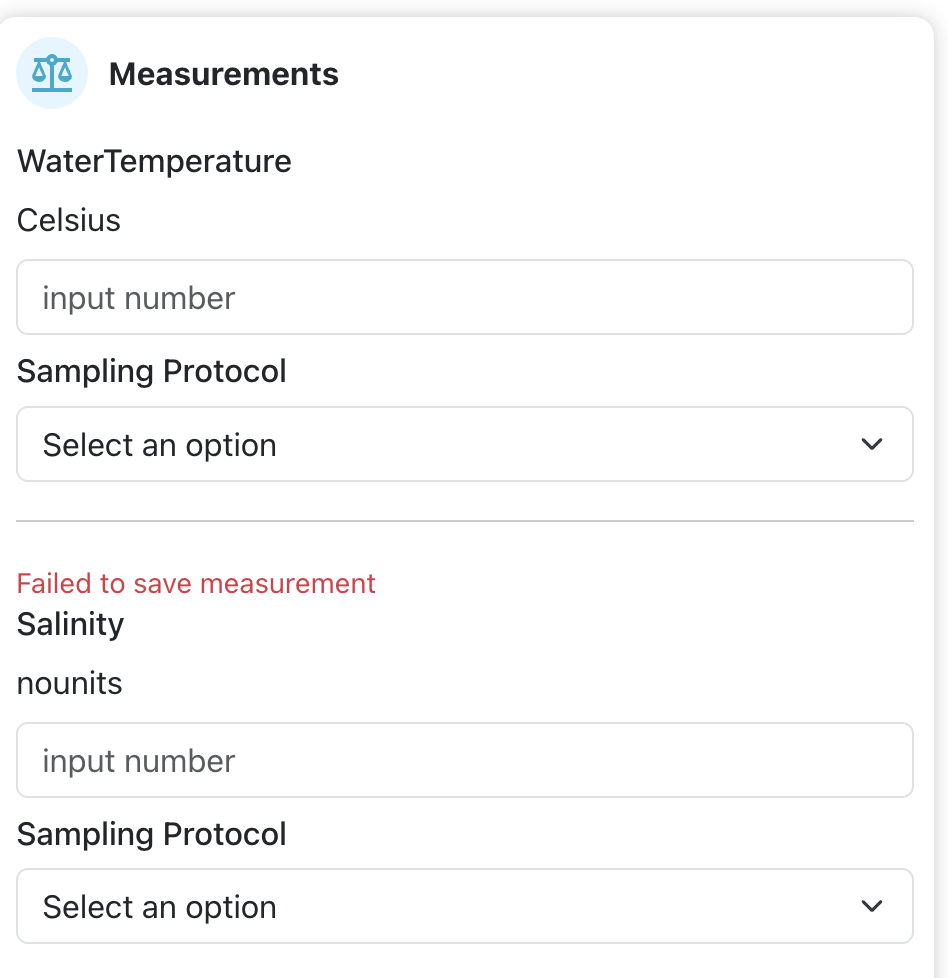
I’m preparing to upload spreadsheets that contain water temperature. I notice when I edit the encounter to manually enter the temperature, there’s a field for ‘Sampling Protocol’ but I don’t see an associated field for the builk import. Is there one that’s not documented (yet) or is there one in the works?
Can you provide steps on how to reproduce what you’re experiencing?
If this is a bulk import report, send the spreadsheet to services@wildme.org with the email subject line matching your bug report
I think the field name you need for water temp is Sighting.seaSurfaceTemp. It’s under the Aquatic Fields section of the Bulk Import help docs.
I’m waiting to hear back from the devs if this is correct for IoT because I see these classifications in IoT’s common.configurations file that might imply a different field like Encounter.measurement0 or Sighting.measurement0 should be used or Encounter.samplingProtocol0 for directly measured and Encounter.samplingProtocol1 for estimated:
Does this happen consistently for you? I’ve been able to manually save temp and salinity and the sampling protocol in testing when I update if from the encounter. Can you let me know which browser you’re using so I can see if some of this is browser-specific weirdness?
I’m using Chrome - this time I received an error redbox popup saying ‘Failed to save measurements’ and when I open the encounter afterwards I see this message also. Note that I entered Temperature AND Salinity - neither saved. I’ll try Safari and see if it’s browser related on my end.
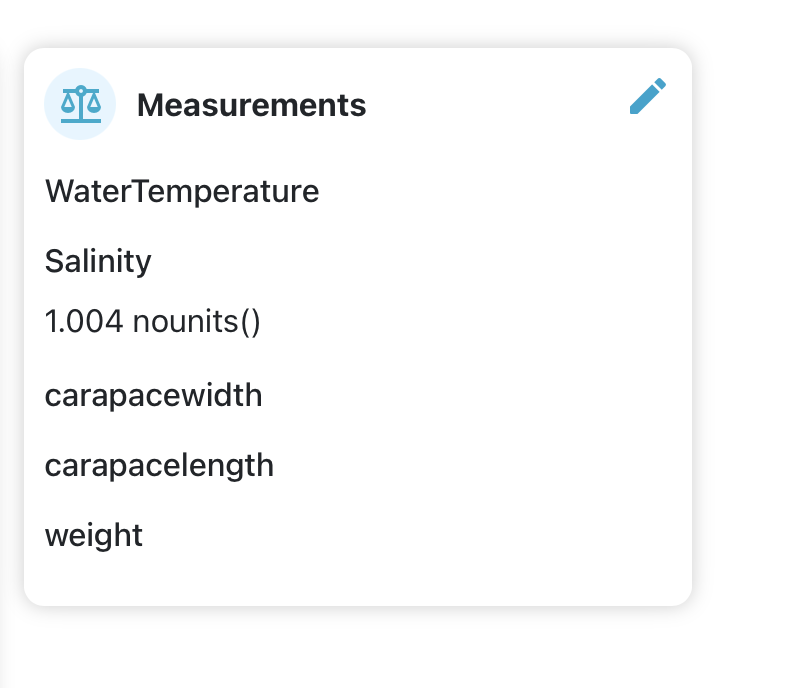
Using Safari I get a similar error, but the Salinity shows up once saved - the Temperature didn’t. I tried to enter both. I used a different Encounter for the Safari attempt.
I do suspect browser shenanigans are involved. In Chrome, it gave me the “failed to save measurements” error when I saved both water temp and salinity, but refreshing the page shows that it actually saved only the water temp. I tried again in Firefox to save salinity and it saved normally. When I originally tested it, I used Brave and didn’t run into saving errors. I’m going to keep testing with other browsers and add my findings to the ticket.
I tested these fields in IoT today and verified they are working as expected:
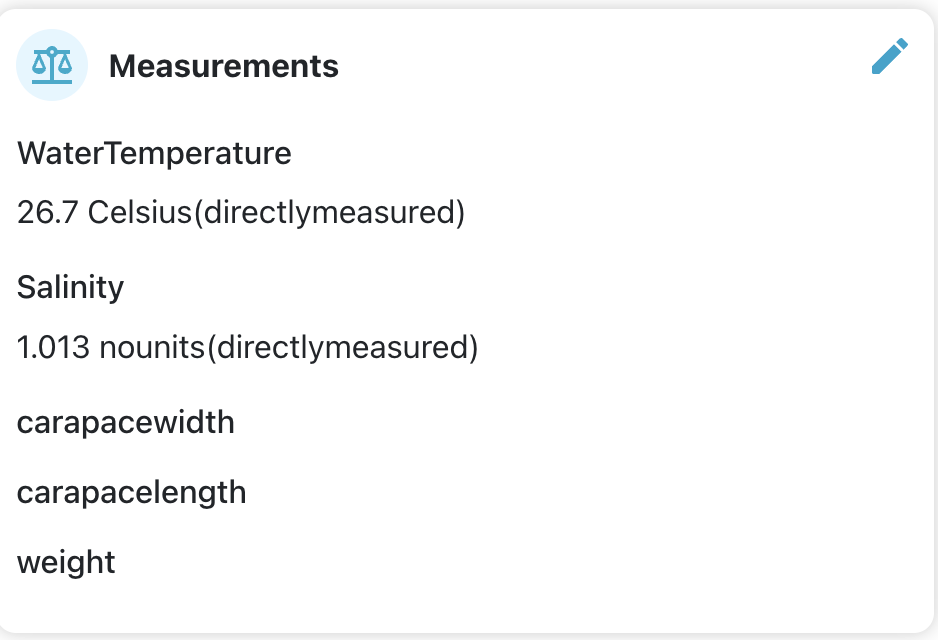
Water temperature Encounter.measurement0 - saves water temperature on the encounter page Encounter.measurement0.samplingProtocol - saves the water temperature sampling protocol on the encounter page. Enter as “directlymeasured” or “estimated” (this field isn’t closely validated in bulk import and will accept whatever you enter here such as “directly measured” and will display as such on the encounter)
Salinity Encounter.Salinity or Encounter.measurement1 - saves salinity on encounter page. Encounter.Salinity.samplingProtocol or Encounter.measurement1.samplingProtocol - saves the sampling protocol for salinity on the encounter page. Enter as “directlymeasured” or “estimated” (this field isn’t closely validated in bulk import and will accept whatever you enter here such as “directly measured” and will display as such on the encounter)
FYI - it worked - although ‘nounits’ is not necessarily ideal. Would be great to have a future release with units sof measure standardized - not urgent.
Thanks to you and the team for putting this in place!!
Agreed about the units! I suspect it’s because salinity can be measured in several different ways and since these measurement fields can be used in multiple Wildbooks, we didn’t want to be prescriptive about what the default unit of measure was. Can you let me know what you use so I can share with the devs?